AI Workflow Rollout Checklist for IT: Security & Change Control
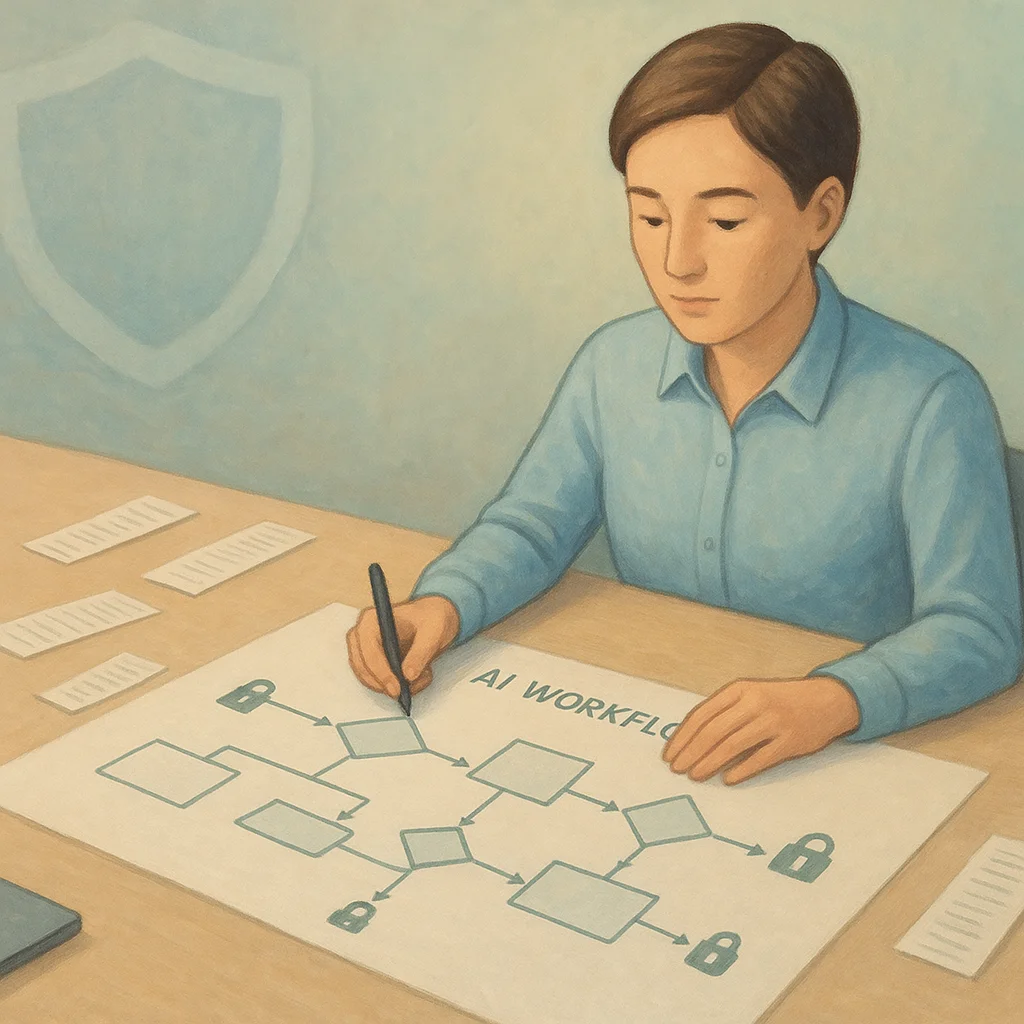

Table of Contents
- Introduction
- Why does a polished individual demo become an organizational risk?
- How should teams manage secrets and API keys in production AI workflows?
- What is environment separation for automations and how should you structure it?
- How do logging and audit trails make AI workflow incidents survivable?
- What does least-privilege access control look like for orchestration and AI tools?
- How do you review and version AI automations like application code?
- What belongs on a minimal checklist before promoting a workflow to a department standard?
- Frequently Asked Questions (FAQs)
Introduction
The fastest way to lose trust in AI is to treat a slick demo like a production system. Demos run on friendly data, forgiving error budgets, and keys that live in chat threads. Department standards run under scrutiny: regulators ask for evidence, security teams ask for blast radius, and finance asks why last month's invoice doubled because a loop called an API two hundred thousand times.
This article is a rollout lens for people who care about risk reduction: IT leaders, security-conscious founders, and ops leads who have to say yes or no when someone wants to "turn on the automation for everyone." The through-line is simple. Promote AI workflows the way you would promote code: controlled environments, managed secrets, observable behavior, explicit ownership, and a change record that still makes sense six months after the builder changed jobs.
You do not need a perfect program on day one. You need a checklist that stops the predictable failures: leaked keys, cross-environment contamination, silent prompt edits, shared admin accounts, and workflows that nobody can explain during an incident. The sections below walk through those themes and end with a compact list you can paste into a runbook or ticket template.
If you are a security-conscious founder, think of this as how you keep shipping fast without signing up for a future breach narrative you cannot defend. If you are IT or ops, think of it as making AI legible to change management and incident response, two groups that do not care how clever the prompt is when payroll did not run. The checklist language is intentional. Standards stick when they fit into tools people already use: tickets, pull requests, access reviews, and on-call rotations.
None of this replaces legal advice or your own control framework, but it aligns with what auditors and insurers increasingly ask for when AI touches customer data. They want to see proportionality: controls that match sensitivity, evidence that survives employee turnover, and a story that still holds when the original builder is unavailable. When you roll out with that mindset, you spend less time debating whether AI is allowed and more time debating which use cases deserve the next increment of trust.
Why does a polished individual demo become an organizational risk?
A demo proves feasibility. Production proves accountability. The gap between them is where organizations bleed money and reputation. Individual builders optimize for speed: they paste a token where the tool asks for it, they reuse a spreadsheet ID from yesterday's test, and they grant broad OAuth scopes because the documentation says it is easier that way. None of that is evil. It is normal when the goal is learning.
Risk appears when the same pattern scales. A workflow that can read customer inboxes, update CRM records, and post to Slack is a small application with network privileges. If it runs under one person's login, you have a single point of failure and a credential that often outlives the project. If it can call an LLM with full conversation context, you have a data-processing activity that privacy and security teams will eventually classify, whether or not you filed the paperwork.
The operational mistake is confusing "it works on my machine" with "it is safe at departmental volume." Volume changes failure modes. Retries amplify cost. Rate limits turn into outages. Edge cases that were rare in a pilot become daily events when a hundred people trigger the same path. Without logging and ownership, the first serious failure becomes a scavenger hunt through screenshots and DMs.
There is also a subtler risk: narrative debt. Teams that ship demos without owners accumulate stories about what the automation "probably" does. When a regulator or a major customer asks for an explanation, narrative debt turns into real liability. A department standard is partly technical and partly documentary. You want a short, accurate description of data flows that a new engineer can verify against logs, not folklore.
When does shadow IT with AI automations become a board-level concern?
Shadow IT crosses into serious governance territory when customer data, employee data, or financial instructions flow through systems that are not on your control register. AI adds two accelerants. First, natural language makes it easy to move sensitive text into third-party models without a deliberate integration review. Second, low-code orchestration makes it easy to wire CRMs, billing systems, and document stores in an afternoon.
You do not need moral panic to justify discipline. You need a clear rule: if it touches regulated data, executes money movement, or changes customer-facing records, it is not a side project. It is in scope for access reviews, vendor due diligence, and incident response. Founders can keep velocity by carving out safe sandboxes for experiments while keeping production-adjacent flows on the checklist in the final section.
Board-level attention is rarely about the AI being clever. It is about whether leadership can show proportionate controls: who approved the integration, how access is revoked, and what evidence exists after something goes wrong. If you cannot answer those questions from systems you control, assume someone will ask them in a forum where "we trusted the vendor" is not enough.
How should teams manage secrets and API keys in production AI workflows?
Secrets are not configuration. They are liabilities with expiration dates. In AI workflows, secrets show up in more places than people expect: not only API keys for models, but tokens for vector databases, signing keys for webhooks, service accounts for Google Workspace, and OAuth refresh tokens that silently reauthorize broad access.
The baseline practice is boring and effective. Store secrets in a vault or managed secret store that your orchestration platform reads at runtime. Rotate keys on a schedule and immediately after anyone with access leaves the role. Never commit secrets to Git, including "temporary" test branches. Treat chat tools and email as public channels for this purpose. If a key ever appeared in a message, assume it is compromised and rotate.
For LLM providers specifically, separate keys by environment and by use case where billing allows. A development key with tight spend caps protects you from the classic mistake of running an integration test against production credentials. If your platform supports scoped keys or project isolation, use them so a marketing experiment cannot exhaust the budget for customer-facing features.
Rotation is only half the job; discovery is the other half. Run periodic scans for long-lived tokens in workflow exports, screenshots, and shared drives. Many teams find "forgotten" automations still using a founder's key years later. Inventory workflows the same way you inventory servers: name, owner, data class, last change, and credential family. That inventory becomes the backbone of access reviews and decommissioning.
Should workflow credentials live in the same vault as application secrets?
Often yes, with separate namespaces and rotation policies. The goal is one operational model: auditors and on-call engineers already know how your vault works, how access is granted, and how compromise is handled. If automations use a second secret system that only power users know about, you have recreated shadow IT inside infrastructure.
The nuance is permission boundaries. Application teams and automation builders should not share the same IAM roles by default. Use distinct service principals with minimum scopes, and map each workflow to the smallest set of credentials it needs. If two workflows truly require the same downstream privilege, document why, and prefer splitting workflows so compromise of one does not grant the other's access.
Emergency access should also be documented. When someone needs to break glass and use a powerful credential, there should be a ticket, a time limit, and a follow-up rotation. Ad-hoc heroics feel fast until they become the default path and nobody remembers which key still works.
What is environment separation for automations and how should you structure it?
Environment separation is the practice of making dev, staging, and production physically and logically distinct so mistakes in testing cannot rewrite customer data or drain production budgets.
Environment separation is the practice of making dev, staging, and production physically and logically distinct so mistakes in testing cannot rewrite customer data or drain production budgets. For automations, separation includes accounts, URLs, databases, queues, model endpoints, and feature flags. It also includes human behavior: who is allowed to click "run" in which environment, and whether production runs require approval.
A practical pattern is to mirror the structure of your application deployments. If your engineering team already promotes changes through CI/CD, treat workflow exports or JSON definitions as artifacts that follow a similar path. Staging should hit non-production tenants of SaaS tools wherever vendors allow it. If a vendor only offers one tenant, use clearly labeled test records, synthetic identities, and strict row-level guards rather than "being careful."
Network controls still matter. If a workflow server can reach both internal APIs and the public internet, document that boundary and restrict egress where possible. For AI-heavy flows, pay attention to where prompts and retrieved context leave your perimeter. Some teams require production prompts to stay inside approved model endpoints or VPC configurations even when the same builder used a consumer chat UI during design.
Environment labels should appear in logs and alerts, not only in UI dropdowns. When an on-call engineer sees a spike in errors, "unknown environment" wastes minutes. Prefix resource names, tag cloud assets, and include env=staging style dimensions in metrics so mistakes show up as obvious anomalies rather than subtle data corruption.
Can staging use copies of production data for AI workflow testing?
Only with a deliberate data-handling decision. Raw production copies routinely violate minimization principles and create new breach surfaces. Prefer synthetic fixtures, masked subsets, or vendor-provided test sandboxes. If you must use real data for a narrow validation, use a time-boxed snapshot with access limited to named individuals, encryption at rest, and an automatic deletion date.
For LLM-assisted testing, be explicit about whether staging is allowed to send snippets to external models. Many incidents start as "we anonymized it," when the anonymization was incomplete. If your policy forbids production text in third-party training contexts, enforce that with technical controls, not reminders.
Promotion paths should be boring. A human approver who understands the business risk beats an automatic publish hook that mirrors whatever the builder exported last Friday night. Pair approvals with a short risk note: new connector, broader scope, or higher data sensitivity. That note becomes priceless during post-incident review.
How do logging and audit trails make AI workflow incidents survivable?
When something goes wrong at 2 a.m., nobody wants a hero who remembers the architecture. They want a trail: who triggered the workflow, which version ran, which external systems were called, whether a human approved a step, and what data categories left the boundary. Logging is how you reconstruct reality without guessing.
Good automation logs answer five questions in plain language: what happened, when it happened, which environment it happened in, which identity did it, and what changed as a result. For AI steps, add enough metadata to debug without storing full prompts in insecure locations. Correlation IDs that propagate from a webhook through model calls to downstream APIs turn multi-hop failures from mysteries into timelines.
If your stack already uses OpenTelemetry or similar tracing, treat each workflow execution as a trace with child spans for model calls and tool invocations. You do not need perfect instrumentation on day one. You need consistent identifiers so support can follow one request across services without re-asking the customer what they clicked.
Retention and access control matter as much as collection. Logs that everyone can read become another data leak. Logs that nobody can read make audits impossible. Align retention to legal and contractual requirements, and redact or hash identifiers where full values are not needed for troubleshooting.
Spend time on log completeness for the "almost succeeded" paths. Silent partial failures are how bad data enters CRMs and finance systems. Log validation results, not only exceptions. If a model returns plausible nonsense that passes a weak schema check, your trail should show that the validator ran and what it decided.
What is the difference between noisy activity logs and audit-grade evidence?
Activity logs tell you that a job ran. Audit-grade evidence lets a third party verify policy compliance. The difference is structure and integrity. Activity streams are often lossy: they roll off quickly, they omit before-and-after values, and they mix human clicks with system events. Audit trails tie changes to authorized actors, preserve enough context to reconstruct decisions, and resist casual tampering through append-only storage or WORM policies where appropriate.
For AI workflows, bridge the gap by logging model and tool choices at a summary level, prompt template versions, retrieval sources when applicable, and policy evaluations such as "PII redaction applied" or "human approval required." You do not need paragraphs of text in the log row. You need pointers so investigators can pull the right artifact from your vault or document store.
Alerting should reflect business harm, not only HTTP 500s. A workflow that returns 200 while writing the wrong customer ID is worse than a hard failure. Define SLOs on outcome metrics where you can: mismatch rate, human override rate, or downstream reconciliation deltas. Those metrics turn governance from philosophy into something operators can page on.
What does least-privilege access control look like for orchestration and AI tools?
Least privilege for automations is least privilege for the accounts that run them, the humans who edit them, and the integrations they can invoke.
Least privilege for automations is least privilege for the accounts that run them, the humans who edit them, and the integrations they can invoke. Start by separating roles: builder, reviewer, operator, and auditor do not need the same rights. Builders may need sandbox freedom; production promotion should require a second person for high-risk flows.
Use service accounts per workflow or per family of workflows, not one "automation admin" that can do everything. Map OAuth scopes to actual nodes. If a step only reads calendar availability, it should not hold mail-send permissions "just in case." For platforms that support IP allow lists or mutual TLS to webhooks, use them so random internet callers cannot trigger internal jobs.
Treat human-in-the-loop steps as security boundaries, not UX flourishes. If a person must approve a large refund or an outbound message to an executive list, enforce that the approval identity is stable, authenticated, and logged. Otherwise approvals become rubber stamps tied to whoever is logged into a shared browser profile.
Human access deserves the same rigor. Shared passwords to orchestration tenants are a common shortcut and a common failure mode. Enforce SSO, MFA, and periodic access reviews. When contractors or agencies touch workflows, time-bound their access and record owners internally who remain accountable after the engagement ends.
Break-glass accounts, if you allow them, should be rare, monitored, and automatically reviewed. The goal is not to eliminate every powerful account; it is to ensure their use is visible and time-limited. For AI tooling, also watch for "shadow admins" created when integrations inherit owner rights from whoever clicked authorize first.
How do you review and version AI automations like application code?
If you cannot diff it, you cannot govern it. Treat workflow definitions, prompt templates, retrieval configurations, and tool manifests as source artifacts. Check them into a repository or export them on every change with immutable history. Pull requests should capture intent: what problem is being solved, what data is touched, what failure modes were considered, and what rollback looks like.
Code review habits translate well. Require a second set of eyes for production changes, especially when prompts or tools change. Watch for scope creep in permissions, new third-party endpoints, unbounded loops, and user-controlled strings flowing straight into SQL or shell contexts. For LLM steps, review system instructions for conflicting goals, missing safety rails, and instructions that encourage data exfiltration.
Testing should include negative cases, not only happy paths. What happens when the model returns empty JSON, when a tool times out, when an API returns a partial page, or when a user uploads an unexpected file type? Automations fail in boring ways far more often than they fail in cinematic ways. Your review should reward handlers and retries, not clever prompts.
Semantic changes deserve the same caution as code changes. A "small" prompt tweak can widen what the model is willing to fetch or summarize. Reviewers should ask what new data leaves the boundary compared to the last approved version. If the answer is unclear, the change is not small.
Version tags should be visible at runtime so support can answer "which behavior are we seeing?" without opening the builder UI. Whether you use semantic versions or dated exports, tie releases to change tickets. Rollback should mean selecting the previous artifact, not hand-editing production in a panic.
Finally, align automation change control with whatever your organization already respects. If engineering uses CAB or change windows for production, decide whether AI workflows that mutate data belong in the same bucket. The answer can be yes for high-risk flows and no for read-only analytics, but the decision should be explicit. Misalignment is what creates shadow exceptions where "this one is different" until it is not.
What belongs on a minimal checklist before promoting a workflow to a department standard?
Use this as a gate, not as wallpaper. If any item is "we will fix later," decide whether the workflow stays in pilot.
Ownership and scope. Name a single accountable owner, a deputy, and a business sponsor. Write a one-paragraph scope statement that lists systems touched and data categories processed.
The owner is not a ceremonial title. They answer when alerts fire, coordinate vendor conversations, and sign off on scope expansions. The deputy prevents bus factor from becoming an operational excuse. The sponsor connects the workflow to business priority so it survives reorgs and budget reviews.
Secrets and identities. All credentials live in the approved vault. No personal API keys. Service accounts are scoped, rotatable, and not reused across unrelated workflows.
Environments. Dev and staging cannot mutate production resources. Production promotion requires an auditable change record.
Access control. Role separation for build versus run versus approve. MFA on human accounts. Webhooks authenticated and not guessable.
Logging and monitoring. Correlation IDs, error alerting on failure rates and spend anomalies, retention aligned to policy. Runbooks linked from the workflow documentation.
Data and model governance. Documented decision on external model usage, redaction rules, and retention for prompts and outputs where stored. DPIA or security review completed if required.
Governance here means a written answer to where text goes, how long it stays, and who can see it. If outputs are cached for reuse, say so. If prompts may include attachments, classify the worst realistic case, not the best-intentioned one. Ambiguity in this section is what creates silent policy drift.
Resilience and limits. Timeouts, retry caps, idempotency for side effects, and kill switches for expensive nodes.
Disaster recovery. Export artifacts stored safely. Recovery steps tested at least once, including "disable workflow immediately."
Vendor and dependency risk. Identify third parties in the chain, note their status page and support channel, and capture what breaks if any one vendor degrades.
Offboarding and decommissioning. State how credentials are revoked and workflows disabled when a project ends. Zombie workflows with valid tokens are a frequent source of unexplained API traffic years later.
If you pass the gate, you are not promising perfection. You are promising that the organization can operate the automation without heroics, explain it under pressure, and improve it without hiding changes in a private account. That promise is what lets IT and security say yes more often over time, because risk becomes visible and bounded instead of outsourced to optimism.
Early-stage teams can still move fast if they treat a few items as non-negotiable from day one: no long-lived secrets in chat, named owners for anything that touches production-adjacent systems, and staging that cannot move money or rewrite customer records. Add formal review gates when sensitivity crosses a threshold, not before. Founders get velocity without baking in the mistakes that require painful migrations later.
One practical maturity signal is investigative speed. Pick three questions every incident should answer from systems you control: what executed, which version was live, and which identity it ran as. If those answers take minutes instead of hours, your logging and versioning are doing real work. If they still require archaeology, your "standard" is mostly a story.
Frequently asked questions
Quick answers on the topics covered in this article.
Put credentials in a managed secret store and replace personal API keys with a scoped service identity. That single move cuts off the most common breach and continuity failure, and it forces you to name which environment the workflow truly runs in.
Give builders a sandbox tenant with fake data and fast iteration rights, and require promotion steps only when connectors touch production systems or regulated data. The slowdown should land on the boundary, not on every experiment.
Include who ran or scheduled the job, template or prompt version identifiers, which tools and endpoints were invoked, high-level data classifications, and human approval records when required. Avoid storing full sensitive payloads in logs unless policy explicitly allows and protects them.
Rotate on a regular cadence your security team endorses, after any suspected exposure, and when owners change roles. Pair rotation with automation so humans are not the bottleneck, and test rollback paths before you rotate in panic.
Yes, if you export definitions as files and treat them as artifacts. The mechanics differ, but the principles match: branch, review, test in staging, deploy with recorded versions, and roll back using the previous artifact.
Use synthetic examples in pull requests, store real test cases in access-controlled fixtures, and reference internal document links instead of pasting customer content. Reviewers focus on structure, constraints, and tool usage rather than live PII.
Use a two-person rule pairing a technical reviewer with a business or data owner for high-risk flows. The technical reviewer checks implementation safety; the business owner confirms scope and data use still match the original agreement.
Set provider budgets and alerts, cap retries and concurrency at the orchestration layer, and add circuit breakers when error rates spike. Treat cost as an operational metric on the same dashboard as latency and failure rate.
Debugging logs prioritize speed and detail for engineers. Compliance-oriented logs prioritize integrity, retention, and a clear chain of responsibility. Often you need both, stored with different access classes and redaction rules.
Ask about SSO, RBAC, audit log export, data residency, subprocessors, encryption, backup and export of workflow definitions, and contractual commitments on model providers. If answers are vague, assume you will own the risk.
Share this article
Related workflows
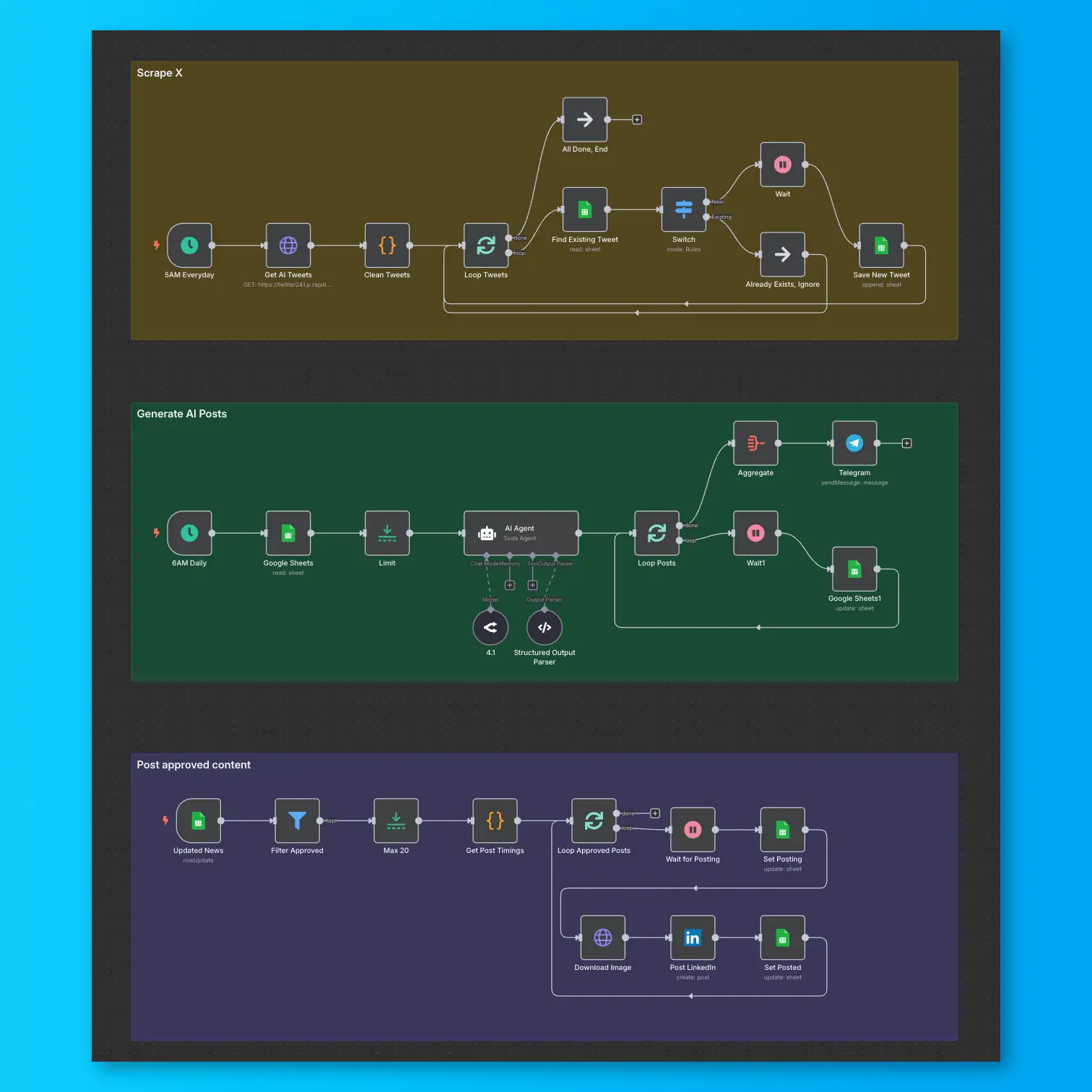
LinkedIn Automation From X Posts
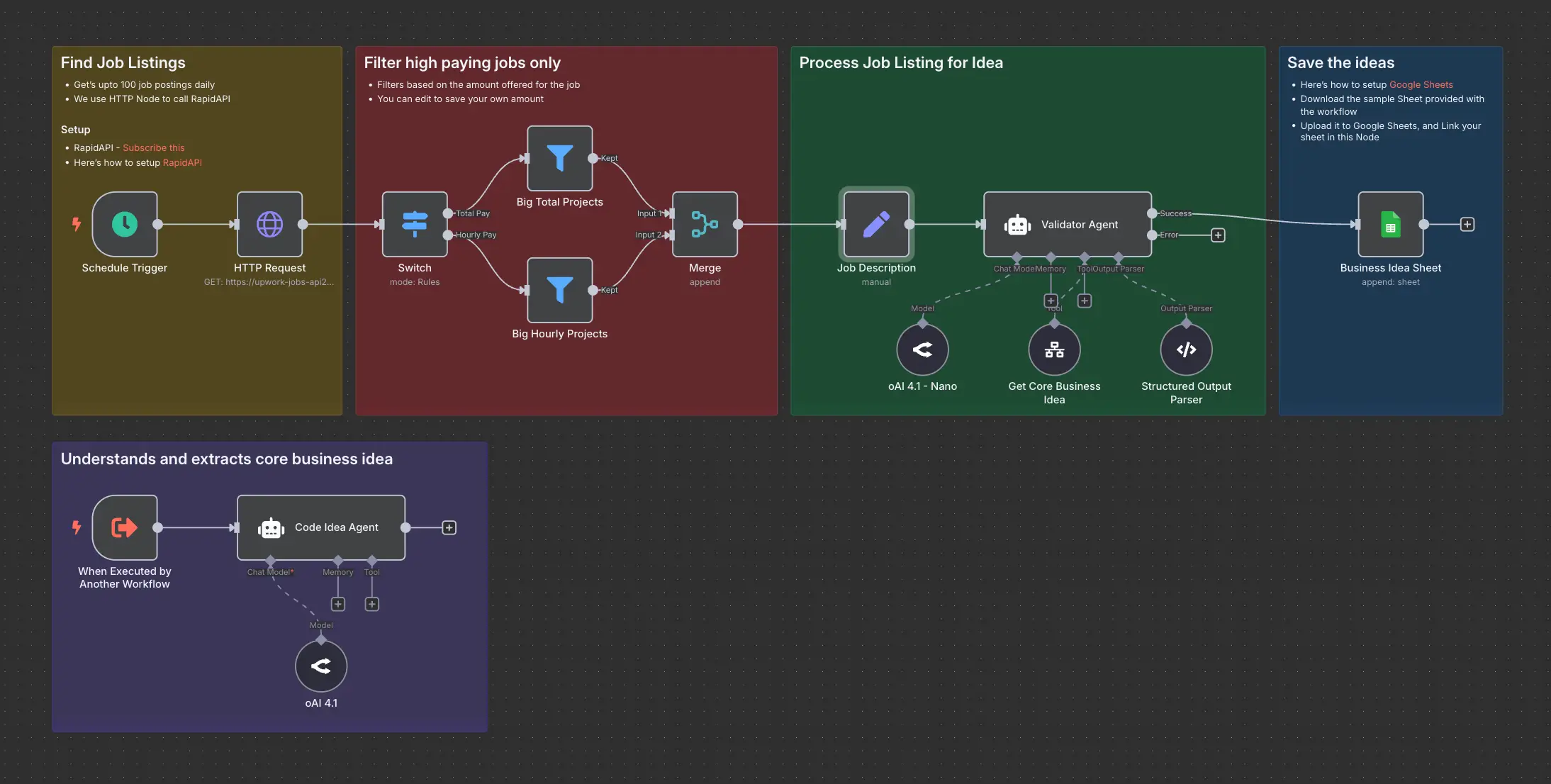
Daily Validated Business Ideas using n8n and Upwork