Why is manual data entry between tools still the hidden (2026)
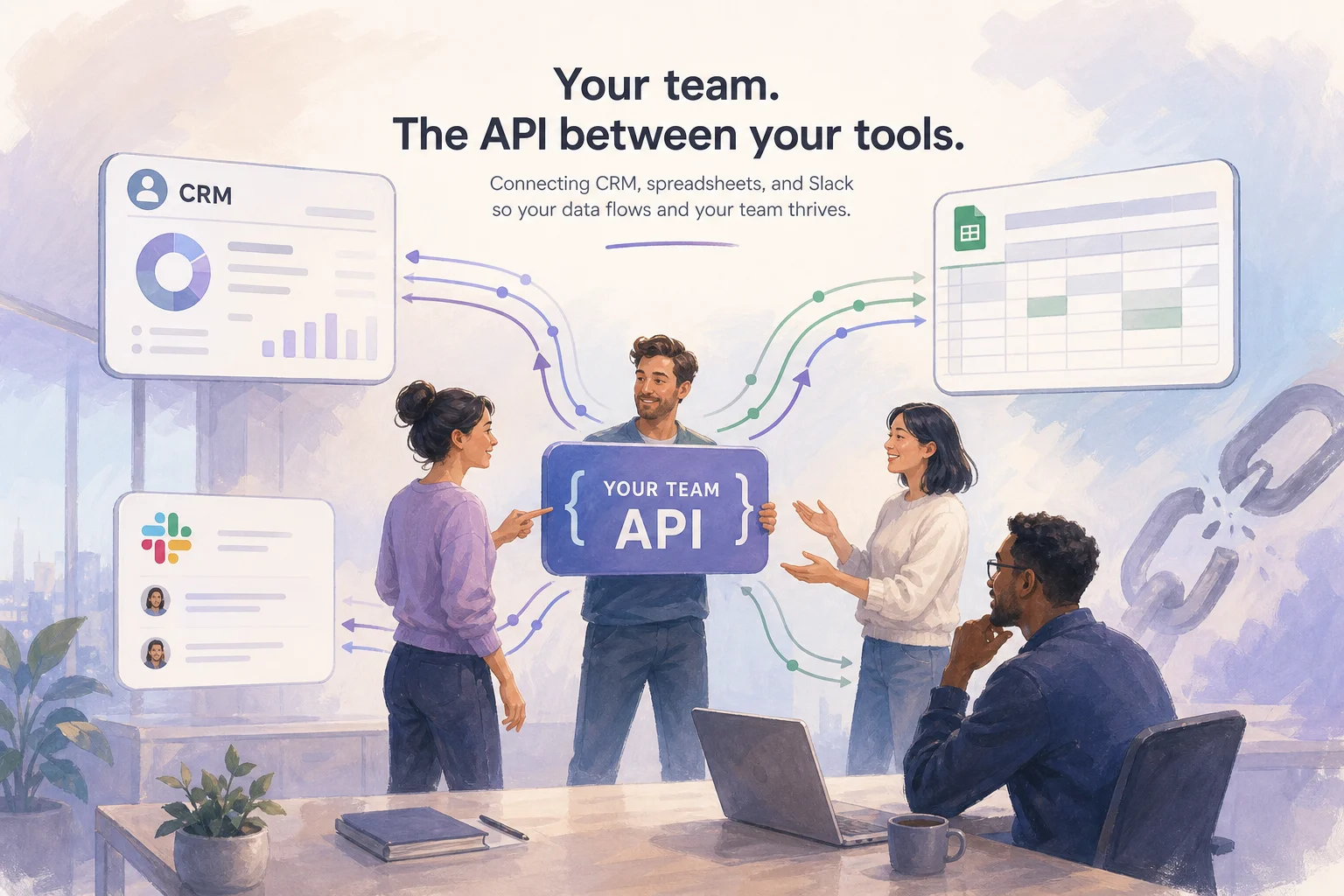

Table of Contents
- Introduction
- Why is manual data entry between tools still the hidden integration layer in SMB revenue teams?
- How did your team become the API between CRM, Slack, and spreadsheets?
- How do you map the handoff chain end to end for CRM spreadsheet glue work?
- How do you score each handoff for leak risk before you automate anything?
- Which highest-leak step should you automate first in CRM spreadsheet glue work automation?
- How do you keep humans on review and exceptions instead of copy-paste?
- What daily and weekly checklist keeps numbers accurate while you fix handoffs?
- What anti-patterns keep your team as the integration layer longer than they should?
- When should you book a roadmap call for a journey leak map?
- Frequently Asked Questions (FAQs)
Introduction
If you recorded your revenue team's workday and watched it back at 2x speed, you would probably see something uncomfortable: the real integration layer between your tools is not Zapier, Workato, or some in-house ETL. It is your people.
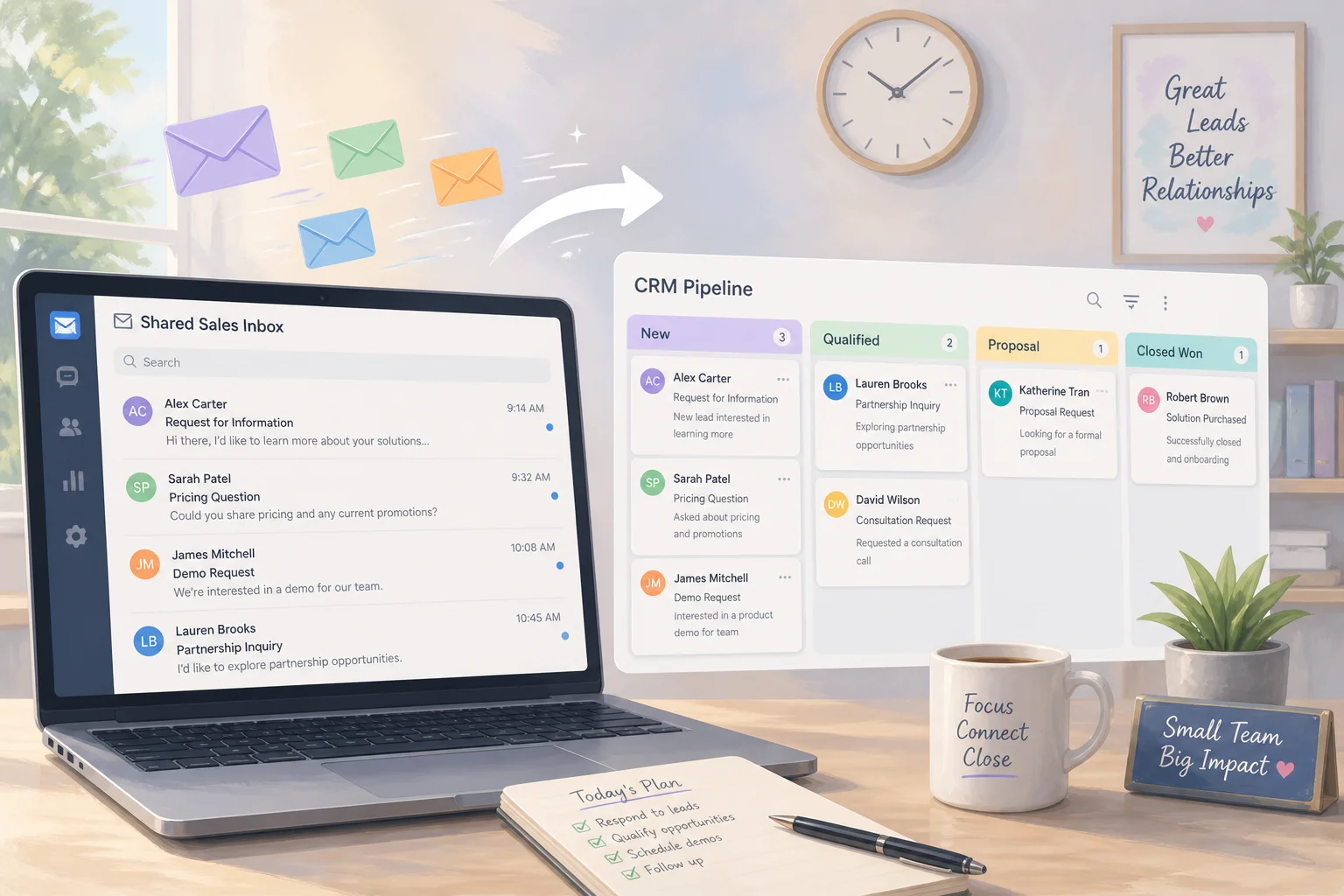
An AE closes a deal in HubSpot. Your RevOps or finance owner copies the numbers into a Google Sheet "source of truth." Someone else lifts a subset into a leadership rollup tab. On Monday morning, an ops person takes those rollups and writes a Slack summary for the exec channel. Four hops. Three different people. At least two opportunities for a wrong filter, off-by-one paste, or outdated field. One bad move and Monday's dashboard is wrong. Leadership notices. Trust takes a hit.
In that moment, your team is the API between CRM, spreadsheets, and Slack.
This article is about that human glue layer: how to see it clearly, quantify its risk, and start replacing the most fragile steps with CRM spreadsheet glue work automation while keeping humans where they are strongest - review, judgment, and exceptions. It is not about wiring Claude MCP directly into your CRM (that is a different problem). It is not about building another Monday KPI dashboard (also a different problem). It is about the reality of RevOps and marketing ops in 5-30 person revenue teams where manual data entry between tools is still how the business runs.
If you want a deeper dive on one specific hop, see HubSpot to Google Sheets sync. If you are drowning in tools and need a build order, pair this with too many automation tools: map, score, and rank. For a broader prioritization lens, what to automate first helps once you know where the leaks are.
Why is manual data entry between tools still the hidden integration layer in SMB revenue teams?
Most growth-stage revenue teams evolve tool-by-tool, not as part of a designed system. You have a CRM as the system of record for deals. You have one or more spreadsheets for finance, forecasting, and leadership summaries. Slack is the nerve center where everything important gets recapped.
When integrations are missing or partial, teams bridge the gaps by copying, pasting, exporting, and reformatting data themselves. That is manual data entry between tools at scale, and it creates predictable failure modes.
Stale numbers happen because an export is a snapshot, not a sync. Missed rows appear when a deal never lands in the finance tab. Wrong owners show up when the CRM moved forward but the sheet did not. Version sprawl grows when multiple people keep their own copy. Weekend reconciliations become normal when they should be rare.
You do not have a spreadsheet problem first. You have a handoff problem. When your team is the permanent glue between systems, every growth spurt becomes an operations emergency. The landing pain is blunt for a reason: your team is the integration layer. Automation is not magic. It is a way to make handoffs explicit, logged, and repeatable so humans review exceptions instead of every row.
How did your team become the API between CRM, Slack, and spreadsheets?
Most early-stage stacks grow into three recurring patterns.
System-of-record to spreadsheet hops. CRM to finance sheet for invoices, collections, and ARR tracking. CRM to operations sheet for implementation details. CRM to leadership rollup for board-level metrics.
Spreadsheet-to-spreadsheet hops. Detailed tab to summarized tab. Per-rep tabs to regional rollups. Ad-hoc analysis to the "official" metrics tab.
Spreadsheet-to-Slack hops. Monday morning KPI summaries. Red-flag alerts on pipeline coverage. End-of-month close recaps.
Each pattern has a human owner, a timing rhythm, and a set of fields that move (or should move) between systems. When people perform those moves instead of automation, they effectively become the API.
The side effects are consistent. High error risk on every copy-paste. Inconsistent definitions when each person interprets "MRR" or "closed won date" differently. Slow response times because your "real-time" view is only as fresh as the last export. Lost trust in dashboards once leadership sees obviously wrong numbers.
RevOps trends for 2026 are clear: automate repeatable workflows and keep humans focused on judgment and cross-functional alignment. The problem is that many teams skip straight to "automate everything" without understanding their current manual integration layer. You cannot fix what you cannot see.
How do you map the handoff chain end to end for CRM spreadsheet glue work?
Before you write a single script or buy another tool, you need a precise picture of how data moves today. Think of this as building your journey leak map for revenue data.
Sit down with the people who touch your numbers: RevOps, finance, sales leadership, and whoever writes your weekly Slack recaps. For each recurring report that matters, document:
- Source system - where data originates (HubSpot deals, Salesforce opportunities).
- Destination system - where it ends up (finance sheet, leadership sheet, Slack channel).
- Intermediate steps - any exports, side sheets, or tools along the way.
- Human owner - who performs each step and in what role.
- Timing - daily EOD, Friday afternoon, Monday 8 a.m.
- Fields and filters - which columns move and what formulas apply.
Draw boxes for systems, arrows for flows, names next to each arrow. A typical chain looks like this:
- CRM to finance sheet - RevOps exports closed-won deals nightly, pastes into a tab, applies formulas.
- Finance sheet to leadership rollup - VP Finance runs VLOOKUPs and pivot tables on Friday.
- Leadership rollup to Slack - ops reads the sheet Monday morning and summarizes in the exec channel.
Document each as a discrete handoff step. Include context fields (why a deal pushed) and exceptions (who manually adjusts when something does not fit). Those exceptions are where humans should spend time later. Right now you are just making the invisible visible.
How do you score each handoff for leak risk before you automate anything?
Once mapped, you will probably have more manual steps than expected. Not every step needs automation right away. Score each handoff on three dimensions from 1 to 5:
| Dimension | 1 (low) | 3 (medium) | 5 (high) |
|---|---|---|---|
| Frequency | Monthly or less | Weekly | Multiple times per day |
| Error cost | Minor annoyance | Confusing dashboard | Board numbers wrong, comp misaligned |
| Time cost | Under 5 minutes | 15-30 minutes | 60+ minutes or multiple people |
Leak risk = Frequency + Error cost + Time cost. Any step scoring 10 or above is a prime automation candidate.
In most teams, CRM to core spreadsheet updates score high on frequency and error cost. Spreadsheet-to-spreadsheet rollups score medium on frequency but high on error cost because they feed leadership views. Spreadsheet-to-Slack summaries vary: low time cost but high error cost when they drive strategic decisions.
This is deliberately simple. If you want a deeper prioritization framework, extend this with the impact-and-effort scoring in too many automation tools or the revenue-first lens in what to automate first.
Which highest-leak step should you automate first in CRM spreadsheet glue work automation?
Automation projects fail when teams try to integrate everything at once. Pick one step: high leak risk, rules-based logic, and systems with decent APIs or existing connectors.
A common first target is CRM to Google Sheets sync for revenue metrics. When this step is manual, you rely on someone remembering to export, filters get applied inconsistently, CRM field changes break spreadsheet logic, and every failure cascades to downstream rollups and Slack summaries. Automating this single step stabilizes the foundation everything else builds on.
If that scenario fits you, the practical setup path is in HubSpot to Google Sheets sync.
Other strong first-automation candidates:
- Standardized Slack alerts off CRM data (new deals closed, pipeline coverage warnings).
- Automated rollup sheet refreshes from a central data tab instead of manual copy-paste between tabs.
- Data validation checks before finance actions (invoice only when product codes and billing terms pass rules).
The pattern to prove out: map, score, automate one step, stabilize, move to the next. You are building a habit and a playbook, not just a single integration.
How do you keep humans on review and exceptions instead of copy-paste?
Automating the highest-leak step does not mean ejecting humans from the loop. Design around three principles.
Machines move data; humans check and escalate. Automation runs nightly to sync CRM deals into a structured data tab. The ops owner reviews sanity checks each morning: total count, sum of ARR, comparison vs. yesterday, anomalies. When something looks off, they investigate in CRM, not in five spreadsheets.
Automate verification, not just transport. Copying CRM fields into a sheet does not help if CRM data is messy. Include field validation (ARR non-negative, close date not blank), consistency checks (sheet totals match CRM reports), and readiness checks before finance actions. Automations should flag records that fail, not quietly pass them through.
Make exceptions explicit. Create an "Exceptions" tab where flagged deals appear with a reason. Assign an owner who resolves them and records what changed. Review exception patterns in weekly revenue meetings. This is where human judgment belongs - not in every row of every export.
What daily and weekly checklist keeps numbers accurate while you fix handoffs?
You will not eliminate the human API layer overnight. While you map, score, and automate step by step, you still need accurate numbers every week.
Daily checklist (15-30 minutes)
- Sanity-check core metrics - Compare 3-5 key numbers in your main sheet to CRM reports. Investigate differences beyond 2-3%.
- Review yesterday's manual edits - Scan a change log tab where anyone editing leadership numbers logs date, field, before/after, and reason.
- Spot-check a sample of deals - Pick 3-5 deals from yesterday's changes. Confirm CRM, sheets, and Slack tell the same story.
- Log friction moments - Any time you create a one-off export or manual reconcile, jot down what you did, how long it took, and why. This feeds your leak map.
- Post a short health note in Slack - "Data health looks good" or "investigating discrepancy in X." Leadership should know you are stewarding quality.
Weekly checklist (60-90 minutes)
- Update and review your leak map - Add new manual steps observed. Rescore leak risk. Confirm next automation targets.
- Metrics definition check-in - Pick one core metric. Confirm definition, formula, system of record, and owner are documented. Check all reports use the same definition.
- Handoff review with one partner team - Walk through a recent deal's journey across tools. Note where data or context got lost.
- Exception pattern review - What issues repeat? Could a validation rule or small automation remove that class?
- Pipeline sanity review - In your weekly pipeline meeting, spend 5-10 minutes on data quality and tool handoffs, not just deal risk.
This checklist builds the habit of treating data quality and process automation as ongoing RevOps work, not a one-off project.
What anti-patterns keep your team as the integration layer longer than they should?
Buying more tools instead of mapping and scoring. A new automation platform will not connect everything if you have not mapped handoffs, scored leak risk, and defined ownership.
Buying more tools instead of mapping and scoring. A new automation platform will not connect everything if you have not mapped handoffs, scored leak risk, and defined ownership. It just shifts where manual work happens. When tool overload is the symptom, start with too many automation tools.
Automating dashboards before fixing source data. A beautiful Monday KPI dashboard pulling from inconsistent data accelerates misinformation. Focus automation on the source-to-sheet pipeline first. Dashboard projects come after you trust the pipe.
Over-customizing the CRM to compensate for sheet logic. Packing formulas into CRM fields confuses reps, creates inconsistent stages, and makes future integrations harder. Use CRM for structured data and operational workflows. Let automation handle heavier transformations.
Letting processes live only in people's heads. When integration logic lives in how one ops person filters a report or manually edits cells, you have a single point of failure. Treat your leak map, exception logs, and data dictionary as critical assets. They are the blueprint for replacing the human API layer.
When should you book a roadmap call for a journey leak map?
If you are a founder, RevOps leader, or marketing ops owner in a 5-30 person revenue team, you are likely juggling tool renewals, revenue targets, field requests from sales, ad-hoc analysis for leadership, and keeping spreadsheets and Slack from drifting out of sync with your CRM.
You do not have to fix the entire stack to make meaningful progress. You do need a clear map of your leaks and a sequence for plugging them.
A focused session on your journey leak map - from CRM to finance to leadership to Slack - can expose the highest-risk handoffs, separate system problems from one-off errors, give you a realistic build order, and design data governance that still makes sense a year from now.
That is what a roadmap call delivers: a journey leak map of your current human integration layer and a prioritized path to replace the riskiest steps with automation, keeping your team focused on review and exceptions - not copy-paste.
Reserve your roadmap call if you want the leak map before you buy another connector or rebuild Monday's deck from scratch.
Frequently asked questions
Quick answers on the topics covered in this article.
Most SMB revenue teams adopted CRM, Sheets, and Slack at different times without designing integrations between them. When volume was low, manual exports worked. As volume grew, the human copy-paste layer became permanent because nobody mapped the handoffs or scored which step to automate first.
CRM spreadsheet glue work is the manual process of moving deal data from your CRM into finance or leadership spreadsheets, then into Slack summaries. One wrong paste, stale export, or misaligned filter in any hop cascades to Monday's dashboard, and leadership stops trusting the numbers.
List every recurring report that matters. For each, document source system, destination, intermediate steps, human owner, timing, and fields moved. Draw boxes and arrows. Name the person on each arrow. That journey leak map is the starting point for scoring and automation.
Score each handoff on frequency (1-5), error cost (1-5), and time cost (1-5). Add them together. Steps scoring 10 or above are prime automation candidates because they are frequent, high-impact when wrong, and burn significant human time.
Usually CRM to Sheets first. That hop is highest frequency and highest error cost. Downstream rollups and Slack summaries depend on it. Stabilizing the foundation prevents bad data from spreading. See HubSpot to Google Sheets sync for one practical path.
MCP integrations focus on giving AI assistants read/write access to your CRM from a chat interface. This post is about the operational reality where humans - not AI - are the integration layer moving data between CRM, spreadsheets, and Slack on a schedule. Fix the human glue first; add AI connectors after data is trustworthy.
Monday KPI automation focuses on pulling metrics into dashboards on a schedule. This post focuses on the human handoff chain that feeds those dashboards. If people are still copy-pasting between four tabs, automating the final dashboard just displays bad data faster.
Sanity-check core metrics against CRM daily. Log manual edits in a change log. Spot-check 3-5 deals. Record friction moments (one-off exports, reconciliations) for your leak map. Post a short data health note in Slack so leadership knows you are stewarding quality.
Book when you have mapped handoffs but cannot agree on build order, when tool sprawl is making the problem worse, or when leadership has lost trust in numbers and you need an outside perspective to separate system problems from one-off errors. The deliverable is a journey leak map and prioritized automation path.
Native CRM workflows work for simple one-to-one syncs. Connector tools like Zapier or Make handle two-system hops. Middleware like n8n fits when three or more systems must move together with validation rules. Pick based on your highest-leak step, not tool features. What to automate first helps sequence the choice.