Why Your Team's Claude Tab Never Reaches Production (2026)
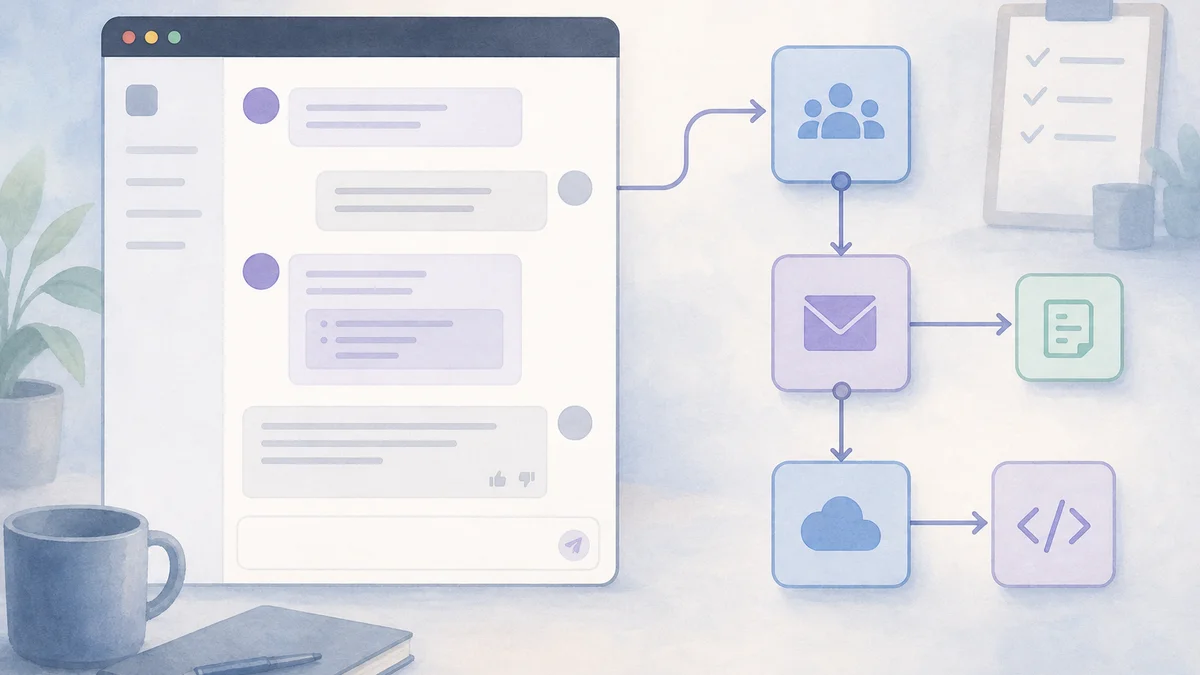

Table of Contents
- Introduction
- How is your team really using Claude today before you automate anything?
- What is the difference between Claude chat and Claude API for business automation?
- Why do Claude tabs fail to become production AI workflows?
- When is Claude chat enough versus when do you need Claude API plus n8n or Make?
- What does a production Claude API business automation workflow actually require?
- How do guardrails and human-in-the-loop keep Claude API workflows safe in production?
- What is a ranked seven-step plan to ship your first production Claude workflow?
- How do you turn a Claude inbox habit into a workflow without over-engineering?
- What failure modes stop Claude API automations from sticking?
- Frequently Asked Questions (FAQs)
Introduction
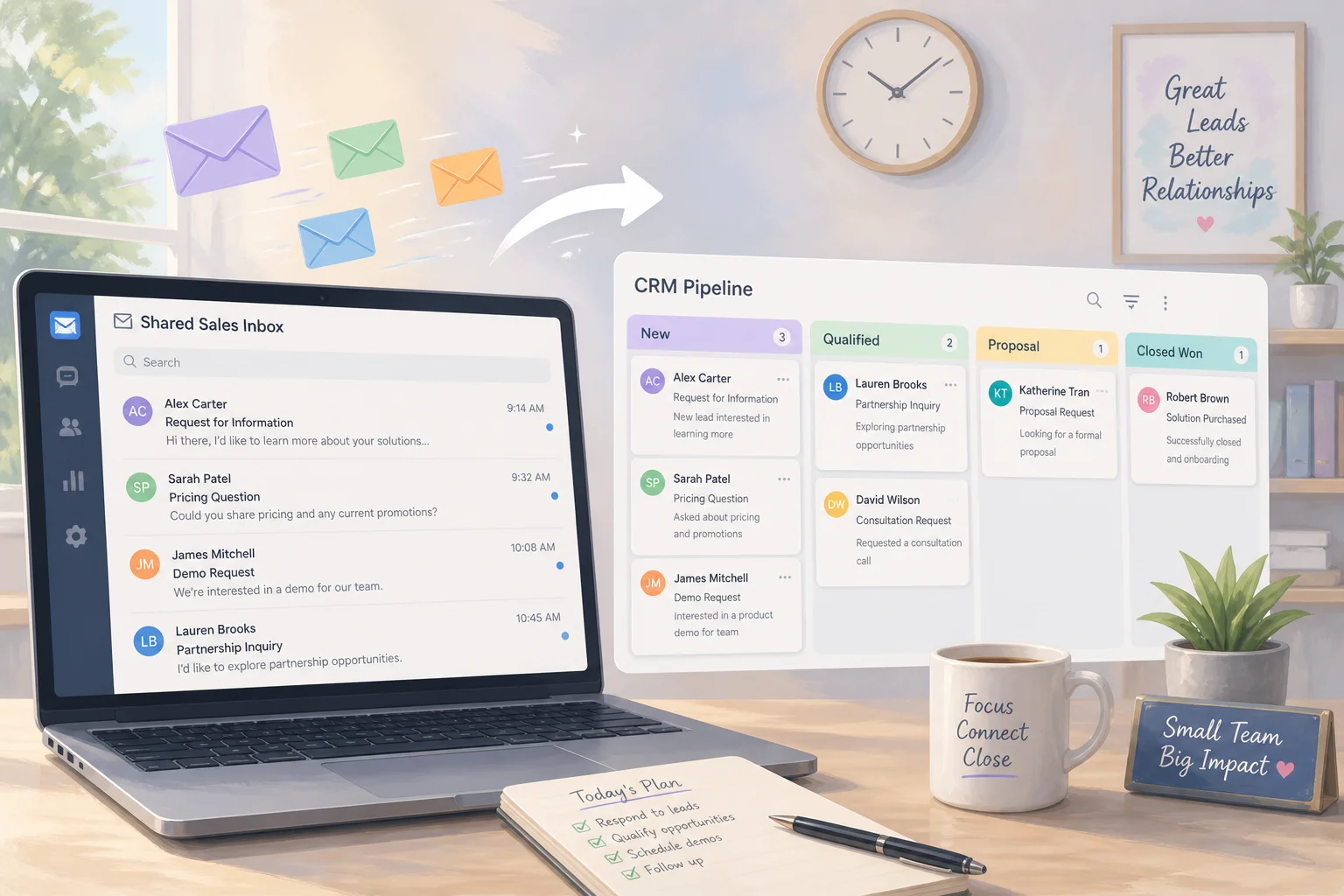
If half your company lives in Claude tabs but your biggest "automation" is still "paste this into Claude when you have time," you do not have a production AI workflow. You have a very good personal assistant spread across browser histories.
That gap matters because Claude API business automation is not "the same chat, but scripted." Chat is session-based: a human prompts, Claude responds, the session ends. Production work needs explicit triggers, durable handoffs between systems, logging when things fail at 3am, and guardrails leadership can sign off on.
This article is for ops, RevOps, and founders who already get value from Claude.ai and want the first workflow that actually runs when volume spikes - without disappearing into developer tooling. It is intentionally different from should you DIY n8n or hire a workflow automation consultant (that post is build vs buy for integrators) and from Claude Skills plus n8n orchestration vs code (that post is for engineering teams splitting canvas and repo). Here the lens is operational: Claude chat vs API, when each is enough, and a ranked path to ship workflow number one.
How is your team really using Claude today before you automate anything?
Walk any small team that "uses AI" and you usually see three patterns, often at once.
First, ad-hoc Claude chats as personal tools. Someone has a favorite prompt for summarizing calls, rewriting outreach, or cleaning a CSV export. Genuinely useful - and entirely trapped in one person's tabs.
Second, fragile weekend hacks. A Claude API call got glued into Make or n8n once. It worked in a demo, then failed on an edge case, produced off-brand copy, or had no owner. Everyone quietly went back to copy-paste.
Third, volume spikes that kill the habit. End of quarter, a launch, a campaign - suddenly nobody has time to paste into Claude, and the funnel reverts to "just ship it."
All three are symptoms of treating a session-based chat interface like an always-on operational system. Chat is excellent for exploration. It was not built to wake up when a lead lands in HubSpot, enrich the record, draft a reply, route for approval, and log every decision for QA.
Before you buy more seats or chase a fancier model, name which pattern you are in. If the honest answer is "tabs plus heroic ops," your next step is not a better prompt. It is Claude API plus orchestration with ownership.
What is the difference between Claude chat and Claude API for business automation?
Claude in the browser and the Claude API share models, but they solve different jobs. Confusing them is why Claude chat vs API debates go in circles.
Claude chat (claude.ai) fits:
- Exploring whether Claude can help at all
- One-off analysis and drafting where you are in the loop by default
- Judgment-heavy work that should not be standardized yet
- Low, spiky volume where failure is inconvenient, not costly
The Claude API fits:
- Triggered work: "when this record changes, run this reasoning"
- Standardized prompts and outputs across a team
- Structured outputs, validation, tool use, and fallbacks
- Audit trails for compliance, debugging, and continuous improvement
The API is not magically smarter than chat. It is more controllable and integratable. You can pin a model version, require JSON-shaped answers, and run thousands of calls without anyone clicking. On its own, though, the API is still a building block. You need something that listens to events, moves data between systems, retries safely, and stays visible to non-engineers.
That is where production AI workflow design starts: brain (Claude), nervous system (n8n, Make, or similar), organs (CRM, helpdesk, billing).
Why do Claude tabs fail to become production AI workflows?
Four structural gaps show up in almost every team that "tried automation" and stalled.
No clear trigger or source of truth. In a tab, the trigger is a human deciding to paste. In production, the trigger must be explicit: new lead in the CRM, email to support@, Stripe event, form submission. Without that map, you are automating intention, not work.
No orchestration layer. Real flows span tools: look up the customer, decide escalate vs reply, call Claude, write back to CRM and helpdesk, route for approval. Chat does not run continuously, hold durable state across events, or reliably call your systems without an external orchestrator.
No logging, monitoring, or ownership. In a tab, weird output is obvious because you are staring at it. In production, weird becomes broken quietly: API changes, new product lines, prompt drift. Without dashboards and alerts, nobody wants to own the flow, so it rots.
No guardrails or human-in-the-loop. Your judgment in a tab is the safety layer. Production needs explicit rules: when to escalate, what the AI may never do, how outputs are validated before customers see them.
What breaks when volume spikes and nobody owns the workflow?
Volume is the stress test. Manual Claude habits work until they do not - usually the week pipeline doubles or support queues flood. If there is no named owner, no runbook, and no alert when executions fail, the team rationally abandons the experiment and returns to tabs.
That is not a failure of AI. It is a failure of operational design. Production means someone is on the hook for uptime, prompt versions, and edge cases - the same way someone owns a critical spreadsheet or a fragile Zapier zap.
When is Claude chat enough versus when do you need Claude API plus n8n or Make?
Stay in Claude chat when a single person does the work, volume is low and spiky, the process changes weekly, and mistakes are cheap. Weekly investor updates, occasional RFPs, sensitive personnel drafts - keep the human fully in the loop in a tab.
Move to Claude API plus n8n or Make when any of these flip true:
- Volume is steady (daily or weekly), not occasional
- Multiple people depend on the same steps
- The task touches systems of record (CRM, billing, ticketing)
- You need an audit trail for compliance or QA
- Leadership wants an SLA ("every inbound lead triaged in 15 minutes")
| Signal | Lean on Claude chat | Lean on API + orchestrator |
|---|---|---|
| Volume | Spiky, low | Steady, growing |
| Consistency | Still experimenting | Same steps every time |
| Systems touched | Docs on screen | CRM, helpdesk, billing |
| Failure cost | Inconvenient | Revenue, trust, compliance |
| Team reliance | One power user | Whole ops or RevOps function |
Make is often the fastest start if you want hosted SaaS and minimal infrastructure. n8n fits when you want open-source, self-hosting, or deeper extensibility with light technical support. Neither competes with Claude; they carry signals between tools while Claude reasons and writes.
What does a production Claude API business automation workflow actually require?
Calling the API from somewhere other than a tab is not production. A minimal production bar has four elements:
Deterministic triggers and inputs. You know which event starts the run and which fields Claude sees every time.
Explicit orchestration and state. Branching, retries, scheduling, and "where is this item in the process" live in a workflow tool your team can open without reading application code.
Logging, monitoring, and change control. You can answer what happened, when, and who changed the prompt. You can roll back.
Guardrails and human-in-the-loop where stakes are high. The workflow knows when to ask a human, and the human has a fast approve, edit, or reject surface.
If that sounds more like lightweight DevOps than "AI magic," good. You are shipping a small service, not a bookmark.
For governance depth - secrets, environment separation, access control, promoting a demo to a department standard - pair this with an AI workflow rollout checklist for security, logging, and change control. Your first Claude workflow should not become a compliance surprise six months later.
How do guardrails and human-in-the-loop keep Claude API workflows safe in production?
Guardrails are the difference between "fun prototype" and "leadership will let this touch customers."
Start with prompt and policy guardrails: tone, forbidden behaviors, escalation when unsure, and data minimization (strip fields that should not leave your boundary).
Add structured outputs and validation. Ask for JSON with category, priority, sentiment, next_action - then validate shape before any CRM write. If validation fails, retry once or route to a human; do not silently pass garbage downstream.
Design human-in-the-loop (HITL) as a time saver, not a second job. Show the draft, extracted fields, and short rationale in the tool reps already use. One-click approve, edit, or reject. Log the human decision back into the orchestrator so you can tune thresholds later.
Once HITL is trustworthy, you can widen autonomy for low-risk categories while keeping edge cases escalated. Skipping HITL on customer-facing work is how teams end up requiring a human to read every word anyway - which is just expensive chat.
What is a ranked seven-step plan to ship your first production Claude workflow?
Use this sequence as a checklist, not inspiration. Rank matters: pick the workflow before you pick tools.
Step 1 - Pick one boring, business-critical workflow. Inbound lead triage, support categorization, or document QA against a checklist. It must be repeatable, measurable, and bounded to one or two systems.
Step 2 - Map today's process and define "good enough." Write steps, owners, and where outcomes are logged. Example targets: "80% correct categorization" or "50% time saved even if every send is reviewed."
Step 3 - Design the HITL moment. What the human sees, what they can do, and where they do it (CRM sidebar, Slack, helpdesk).
Step 4 - Wire the skeleton in n8n or Make. Trigger, fetch fields, Claude API call with structured output, validate, write to system of record, route to HITL. No multi-agent theater on v1.
Step 5 - Add logging and alerting day one. Log timestamp, sanitized input, output reference, errors. Alert on error rate or suspicious silence during business hours.
Step 6 - Run shadow mode. Claude processes real items; humans still work as today. Compare decisions for one to two weeks; fix prompts and thresholds.
Step 7 - Freeze v1 and schedule v2. Document triggers, prompts, guardrails, known limits. Announce the new default process. Revisit in four to eight weeks with data, not vibes.
If you are unsure whether your team should build step 4 internally, read should you DIY n8n workflows or hire a consultant before you sign a retainer or let a wizard own a canvas nobody else understands.
How do you turn a Claude inbox habit into a workflow without over-engineering?
A common pattern: reps paste customer email into Claude for summary, sentiment, and a draft reply. It works until volume spikes.
A v1 production version might:
- Scope to
support@andsuccess@, business hours, English only. - Trigger on new helpdesk tickets; fetch body and metadata.
- Call Claude API for structured
summary,category,sentiment,suggested_reply. - Validate JSON; on failure, log and optionally retry once.
- Post results to a ticket sidebar; humans still send final replies.
- Shadow mode first: log suggestions without showing reps; compare to what they actually sent.
- Go live with clear "AI draft - review before send" messaging.
Notice what you did not do: rewrite the helpdesk, build a custom agent framework, or conflate this with Claude Code. Those belong to a later complexity tier - see Claude Skills and n8n orchestration vs code when engineering wants a single source of truth between repo and canvas. For ops-led v1, visible orchestration beats clever architecture.
What failure modes stop Claude API automations from sticking?
Over-rotating into dev tooling. Custom microservices and agent frameworks before you have one observable workflow is how six-month projects die in Notion.
Over-rotating into dev tooling. Custom microservices and agent frameworks before you have one observable workflow is how six-month projects die in Notion. Ship the boring path first.
Wizard ownership. One technical person builds a beautiful flow; it breaks on holiday; everyone returns to tabs. Document in plain language, give two people access, keep logic readable to a process owner.
Skipping change control. Prompts in tabs are expected to drift. Prompts in revenue paths need versions, reviewers, and rollback - the same discipline your rollout checklist describes for IT and ops leads.
Treating API spend as the only cost. Orchestrator time, maintenance, and human review hours matter. A cheap model with no logging is still expensive when it silently routes leads wrong for a week.
When your backlog has three credible Claude workflows and you cannot agree which touches cash first, a paid roadmap session beats another week of tab experiments. On Reserve my roadmap call we rank candidates by revenue, risk, and build effort so you leave with an ordered plan - not another generic "adopt AI" slide.
Frequently asked questions
Quick answers on the topics covered in this article.
It means using the Claude API inside a triggered workflow (often n8n or Make) so reasoning runs on real events - new leads, tickets, records - with structured outputs, logging, and human review instead of manual copy-paste in claude.ai.
Use chat for low-volume, judgment-heavy, still-changing work where one person is in the loop and mistakes are cheap. Move to the API when volume is steady, multiple people share the process, or systems of record and audit trails are involved.
Usually missing triggers, orchestration, logging, ownership, or guardrails. Demos optimize for a green check once; production needs retries, validation, alerts, and someone accountable when APIs or prompts change.
If work must run without a human opening a tab, yes. Claude reasons; an orchestrator listens to events, moves data, enforces retries, and gives the team a visible canvas or log to maintain.
Production has explicit triggers, orchestration, observability, change control, and HITL where stakes are high. A tab habit depends on someone remembering to paste during calm weeks.
Combine system instructions, structured JSON outputs, validation before writes, escalation rules, and human approval surfaces for customer-facing actions. Log both model output and human decisions.
Pick one repeatable, measurable flow with clear ROI: inbound lead triage, support categorization, or checklist QA on documents. Avoid automating everything at once.
Run the workflow on real traffic but do not change user-facing behavior yet. Compare Claude outputs to what humans actually did, then tune prompts before go-live.
Yes. Claude Code and Skills target builders shipping software. Ops-led Claude API business automation targets triggered business processes in CRMs and helpdesks without requiring a custom app first.
When you have multiple candidate flows, political disagreement on priority, or revenue at stake and need a ranked backlog with risk notes before DIY or hiring integrators.
Share this article
Related workflows
Daily Validated Business Ideas using n8n and Upwork
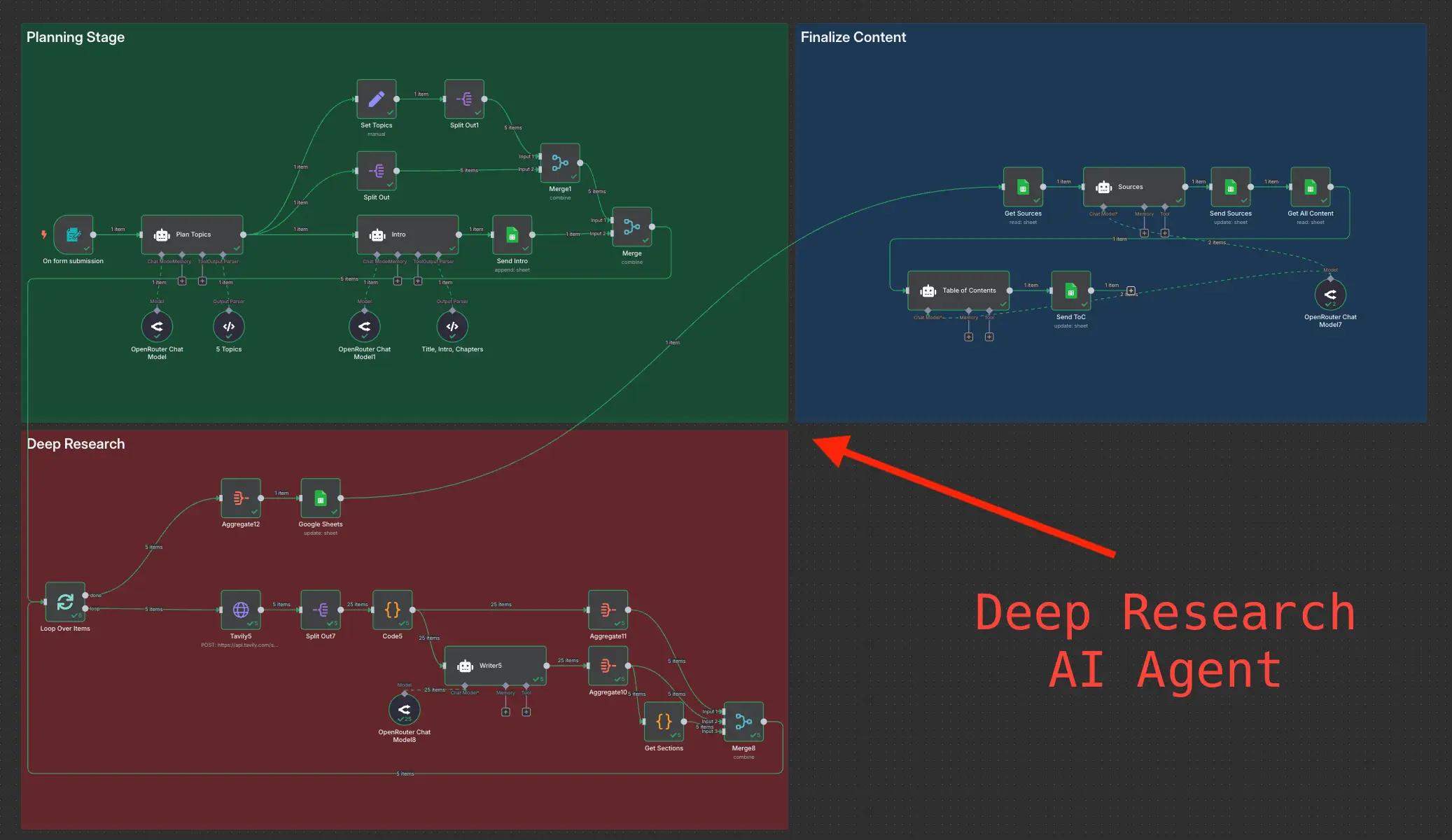
Deep Research using n8n automation to generate report using Tavily