What Should You Automate First? (2026)


Table of Contents
- Introduction
- Why does asking what to automate first small business teams still end in more subscriptions?
- How do lead, support, and admin workflows rank differently for revenue?
- What is the revenue-first impact/effort matrix for AI automation priorities?
- How do you score impact when choosing what to automate first?
- How do you score effort and risk before you automate a workflow?
- Which workflows usually land in the automate-first quadrant?
- How do you run a seven-day workflow audit to build your backlog?
- What does a ninety-day revenue-first automation roadmap look like?
- When should you DIY versus book a roadmap call for a ranked backlog?
- Frequently Asked Questions (FAQs)
Introduction
If you are staring at a dozen AI tools and still copying leads from email into a spreadsheet, you do not have a technology problem. You have a prioritization problem.
The right question is not "What can we automate?" It is what to automate first small business teams should tackle so revenue moves before your calendar does. That means ranking workflows by how close they sit to cash, how repetitive they are, and how painful they are to run by hand-then scoring each candidate on impact and effort before you buy anything new.
This guide gives you a practical framework: how leads, support, and admin work compare on revenue, how to build an impact/effort matrix for AI automation priorities, and how to turn the result into a short backlog you can execute in ninety days. If you already feel stuck in the subscription trap, pair this with AI Automation ROI: 2-3 Revenue Flows Beat Another Subscription-that post explains why more seats fail; this one shows which flows to rank first and how.
Why does asking what to automate first small business teams still end in more subscriptions?
Tool-first adoption feels productive. Someone drafts a better email, summarizes a call, or rewrites a proposal. Those wins are real, but they are usually individual productivity, not workflow automation. The underlying process-how leads are captured, how quotes go out, how tickets get routed-stays manual. People bounce between the CRM, an AI tab, and email. Activity rises; conversion and cash velocity often do not.
Three habits keep teams buying instead of prioritizing:
- Interesting over painful - Internal tasks are easier to automate than messy revenue steps, so teams polish reports while leads go cold.
- Overlapping AI products - Outreach copilots, meeting bots, and "AI CRM" features fragment data and trust.
- No success criteria - Seats get renewed because "we use it sometimes," not because a metric moved.
A revenue-first backlog flips the order: name the workflows, score them, automate the top two or three, then evaluate tools against specific jobs-not vague "AI transformation." That is the same discipline I use on roadmap calls: map where money stalls, rank by impact versus effort, wire AI into tools you already pay for.
How do lead, support, and admin workflows rank differently for revenue?
Almost every repeatable task fits one of three buckets. All matter; they do not contribute equally in the first ninety days.
| Bucket | Examples | Revenue link (typical) | When to prioritize |
|---|---|---|---|
| Leads & revenue | Inbound follow-up, qualification, booking, proposals, invoicing, payment nudges | Direct - speeds pipeline and cash | First - fastest measurable ROI |
| Support & retention | FAQ replies, triage, onboarding check-ins, review requests | Indirect - protects LTV and referrals | Second - after front-of-funnel is stable |
| Admin & operations | Expenses, internal reports, HR paperwork, inventory logs | Second-order - frees time for selling | Third - unless admin blocks delivery |
Lead workflows change how fast interest becomes revenue. Slow replies and dropped follow-ups are measurable leaks; automating them often pays back in weeks.
Support workflows protect revenue you already earned. Triage and consistent onboarding reduce churn and surface upsell signals buried in threads.
Admin workflows mostly save hours and reduce errors. Valuable when you are drowning-but rarely the best first automation unless back-office work is literally preventing you from serving paying customers.
For most SMBs, AI automation priorities should start with one or two lead flows, add one support flow, then expand. Admin automation earns its place once the revenue path is reliable.
What is the revenue-first impact/effort matrix for AI automation priorities?
You cannot compare "send quote follow-ups" and "generate monthly reports" in your head. A simple matrix makes tradeoffs explicit.
Impact (1-5): How much would improving this workflow move revenue or high-value time in the next 3-6 months?
Effort (1-5): How hard and risky is automation? Higher effort = messier process, brittle integrations, or high stakes if the bot misfires.
Priority score = Impact / Effort (higher is better).
| Quadrant | Impact | Effort | Action |
|---|---|---|---|
| Automate first | High | Low | Start this week - usual quick wins in leads and simple support |
| Plan next | High | High | Phase 2 - quote-to-cash across systems, regulated data |
| Opportunistic | Low | Low | Batch when bored - nice-to-have admin |
| Defer | Low | High | Skip for now - custom internal apps, vague "AI strategy" |
Example scores (illustrative):
| Workflow | Bucket | Impact | Effort | Priority (I/E) |
|---|---|---|---|---|
| Inbound lead reply + CRM log | Leads | 5 | 2 | 2.5 |
| Overdue invoice reminders | Leads | 4 | 2 | 2.0 |
| Support ticket triage + draft reply | Support | 4 | 3 | 1.3 |
| Weekly performance report | Admin | 2 | 2 | 1.0 |
| Full ERP migration + AI | Admin | 3 | 5 | 0.6 |
Use your own numbers-the point is comparability, not precision. Two workflows with priority above 1.5 usually beat five pilots at 0.8.
How do you score impact when choosing what to automate first?
Do not use a vague "high impact" label. Rate four dimensions from 1 (minimal) to 5 (very high), then form a judgment:
| Dimension | Ask yourself |
|---|---|
| Direct revenue | Does this step sit between interest and payment? |
| Revenue enablement | Does speed or quality here change conversion, deal size, or retention? |
| Time value | How many hours per week does it eat-and what is that time worth if redirected to sales or delivery? |
| Customer experience | Would faster, consistent execution noticeably improve trust? |
Weight direct revenue and time value slightly heavier for what to automate first small business decisions. Still include retention and experience so you do not ignore support until churn spikes.
A practical rule: if this workflow ran twice as fast and half as error-prone starting Monday, would your revenue trajectory look different in six months? If yes, impact is probably 4 or 5.
How do you score effort and risk before you automate a workflow?
Effort is not only "can we code it." Score these from 1 (easy) to 5 (hard):
| Factor | Low effort (1-2) | High effort (4-5) |
|---|---|---|
| Process clarity | Same steps every time | Ad-hoc judgment calls |
| Data | Already in CRM, forms, help desk | Scattered across inboxes and people's heads |
| Integration | Native CRM/email automation + one AI step | Many vendors, custom internal apps |
| Risk | Wrong tag on a lead | Wrong contract, refund, or regulated data |
Workflows that are clear, digital, and low-risk belong in the automate first quadrant. Messy, high-stakes processes belong in plan next with human approval on anything customer-facing or legally binding.
Which workflows usually land in the automate-first quadrant?
Patterns repeat across industries. These often score high impact and moderate-or-low effort:
Leads
- Instant acknowledgment and first question after form, ad, or email
- CRM create/update with extracted fields (company, need, urgency)
- Booking link and reminder sequence for qualified leads
- Proposal or quote draft from CRM notes and templates (human approves before send)
Support
- Classify tickets (billing, bug, onboarding) and suggest macros
- Draft replies for agents to approve
- Escalate when sentiment or SLA risk spikes
Admin (only if not blocking revenue)
- Payment and invoice reminders
- Simple recurring reports from data you already export
Resist the tenth AI feature until your top two lead automations run reliably or you have proof they are not your bottleneck. Related playbooks: Meta lead ads to CRM automation for capture, and why leads go quiet after the form for follow-up.
How do you run a seven-day workflow audit to build your backlog?
You cannot score what you have not named. For seven to ten business days, track recurring work-not one-offs.
- Log tasks - Short name plus one line: "reply to website inquiries," "send estimates after site visits."
- Estimate weekly hours - Ballpark is fine.
- Label bucket - Leads, support, or admin.
- Label frequency - Daily/weekly vs monthly.
- Draft impact and effort - Use the tables above.
You want fifteen to thirty candidates, then pick the top five by priority score. Those five become your backlog; the rest wait.
Document the current process for each top candidate as plain steps: trigger, who acts, which tools, where it breaks. Clarity here drops implementation effort more than any new platform.
What does a ninety-day revenue-first automation roadmap look like?
Days 1-14: Audit and choose three
Finish the workflow log, score impact and effort, and commit to three workflows-all tied to leads or support unless admin is blocking delivery. Write success metrics before you build (for example, median lead response under fifteen minutes for tier-A leads).
Days 15-45: Build and tune
Implement with tools you already own: CRM triggers, email, scheduling, plus AI for read/classify/draft. Start with human approval on outbound messages and pricing. Review logs daily at first; fix edge cases; tighten prompts.
Track time saved and one revenue-adjacent metric per workflow.
Days 46-90: Expand and prune
Add one support or admin automation only if front-of-funnel flows are stable. Run a stack review: cancel tools that no longer map to a high-priority workflow. That is how you avoid the subscription trap without abandoning useful automation.
When should you DIY versus book a roadmap call for a ranked backlog?
DIY fits when processes are straightforward, your stack has decent APIs, someone enjoys light no-code or scripting, and a bad week is annoying-not existential.
A roadmap call fits when you need a personalized ranked backlog more than another tutorial: flows cross many systems, compliance is strict, DIY zaps keep breaking, or leadership wants one page that says "build these three, measure these metrics, skip these subscriptions."
On a 45-minute roadmap call, you should leave with a customer-journey sketch, fifteen to thirty scored workflow candidates, a top-three list with impact/effort rationale, success metrics per build, and clarity on whether your current CRM, email, and ops stack is enough. No pitch for a mystery platform-just an ordered plan you can execute or hand to a builder.
If your team is ready to stop debating tools and start ranking work, book a roadmap call and we will turn your audit into a backlog you can run this quarter.
Frequently asked questions
Quick answers on the topics covered in this article.
It means ranking recurring workflows by revenue impact and implementation effort before buying tools. Start with lead and payment-adjacent steps, then support, then internal admin-unless admin is blocking customer delivery.
Priorities are ordered workflows with metrics (response time, quote speed, payment lag). Seats help individuals write faster; priorities embed AI on triggers inside CRM, forms, and help desks so outcomes happen without constant copy-paste.
Usually leads first (capture, follow-up, booking, quotes, invoicing), then high-volume support (triage, FAQs, onboarding), then admin. Support protects revenue you have; leads create new revenue faster.
Score each workflow on impact (1-5, revenue and time weighted) and effort (1-5, clarity, data, integration, risk). Divide impact by effort; automate high-ratio items first. High impact + low effort = quick wins.
Two or three well-owned flows beat seven pilots. Finish or sunset a workflow before adding another unless a different bottleneck is proven with data.
Buying tools without a ranked backlog adds cost without metrics. Score workflows first, then add subscriptions only when they map to a top priority with a 60-90 day ROI hypothesis. See also the AI automation ROI article on focusing on two or three revenue flows.
Pick one primary metric per workflow before you build: median lead response time, days from verbal yes to sent quote, support first-response time, or days from signed deal to paid invoice. Review weekly for six to twelve weeks.
Not always. Simple flows can live in native CRM automation plus an AI API call. Use a workflow engine when steps cross vendors, you need retries and logs, or DIY zaps are brittle-see the n8n banner above for self-hosted options.
Require human approval on pricing, refunds, contracts, and anything legally binding until error rates stay low. Log AI-generated steps and keep sensitive data out of public chat tools.
Book when you need a scored backlog across systems, compliance is strict, or DIY attempts keep failing. A roadmap call should deliver ranked automations, metrics, and tool clarity-not another subscription pitch. Reserve a roadmap call when you want that backlog done with you in forty-five minutes.
Share this article
Related workflows
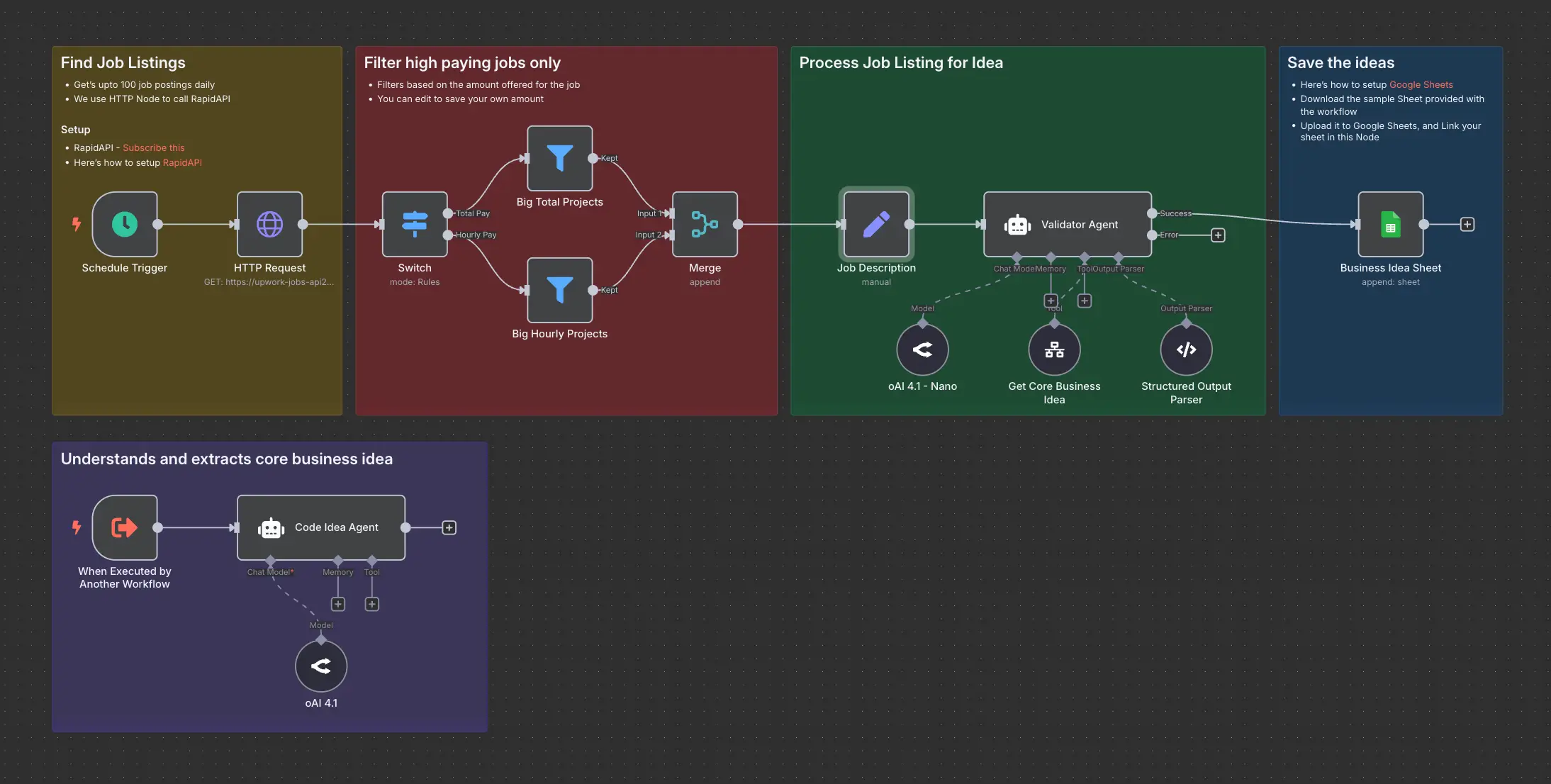
Daily Validated Business Ideas using n8n and Upwork
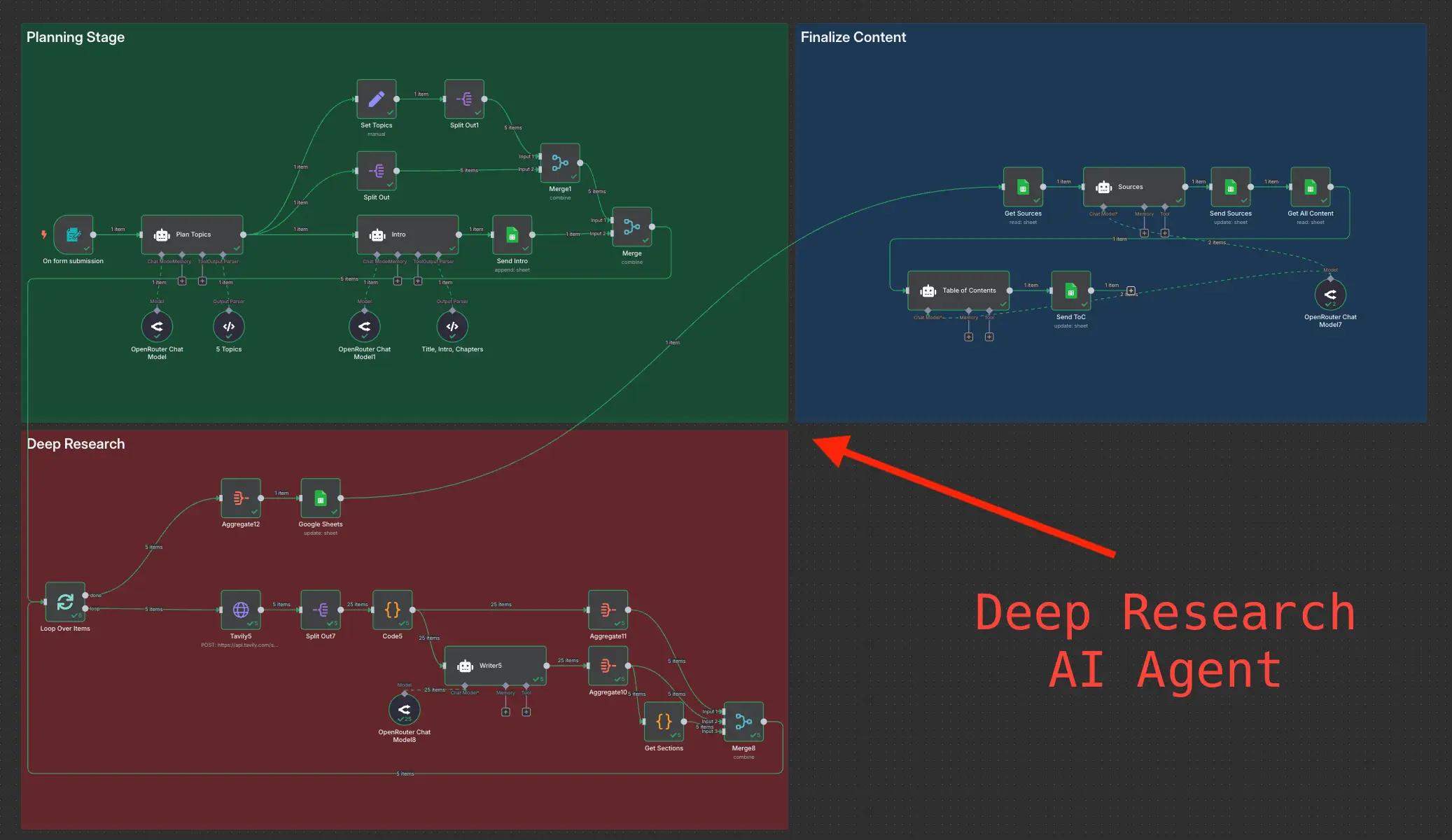
Deep Research using n8n automation to generate report using Tavily