Stop Repeat Support Tickets: Deflect 80% Before You Hire More


Table of Contents
- Introduction
- Why does your support inbox grow one ticket at a time when customers scale?
- What is customer service automation for small teams if you skip chatbot theater?
- How do you deflect the repeat 80% with self-serve that customers actually use?
- What intake hygiene makes automated customer support routing safer?
- How can n8n connect your help desk and CRM for context, tags, and draft replies?
- Where should AI customer service sit so humans keep revenue-sensitive threads?
- How do you measure deflection and time returned after you automate support?
- Should support automations or lead automations rank first on your backlog?
- What does a focused ninety-day support deflection plan look like?
- When should you book a 45-minute roadmap call to rank support vs lead work?
- Frequently Asked Questions (FAQs)
Introduction
Most small teams do not drown in rare, gnarly bugs. They drown in sameness. The same five to ten questions arrive with different wording: where is my order, resend the invoice, reset my password, why did I hit the plan limit, can you change my shipping address. Each thread feels personal in the moment, but structurally it is the same work on repeat.
That is why your support inbox grows one ticket at a time. Every new customer adds predictable asks while headcount lags, so the queue compounds.
This guide covers customer service automation and automated customer support in a practical sense: deflection, intake hygiene, macros, routing, and help desk to CRM glue. It is not a pitch for a generic AI customer service chatbot that blocks humans. Control the repeat 80% first, then free people for escalations, retention risk, and pre-sales questions.
For mapping what is broken before new subscriptions, see AI automation audit and readiness: what to map before you subscribe. For what to tackle first across the business, pair this with what to automate first: a revenue-first prioritization framework.
Why does your support inbox grow one ticket at a time when customers scale?
Early on, heroic support works. A founder remembers names, order quirks, and edge cases. Inbox zero feels possible because volume is small and context lives in one head.
Then a few things stack together. You add customers faster than you add staff. The product gets broader. Your buyer mix shifts from forgiving early adopters to people who expect polished answers on a predictable timeline.
Each account sends a trickle of recurring questions about billing, shipping, access, and how core features work. One trickle is nothing. Hundreds of trickles become a river. The painful part is the mismatch between effort and value. Answering "where is my order" for the hundredth time adds almost no incremental value, yet it costs the same human minutes as a nuanced cancellation conversation.
When you treat every ticket as a unique event, you re-solve the same problem at the individual message level. When you treat support as a system, you ask a different question: how do we design the journey so this class of question does not need a human next time?
That reframe is the start of real customer service automation. You are not trying to remove humans from hard conversations. You are trying to remove humans from work that is repetitive, rule-based, and already answered somewhere in your stack if only the customer or the agent could see it faster.
What is customer service automation for small teams if you skip chatbot theater?
Customer service automation is not a single product. For a lean team, it is a stack of practical layers.
First, deflection: searchable help, order status surfaces, billing portals, and clearer product copy so fewer people need to write in.
Second, operational hygiene: categories, simple SLAs, ownership, internal notes, and macros so the tickets that remain move faster with fewer round trips.
Third, workflow glue: tools like n8n, Make, or Zapier moving data between your help desk, CRM, billing, and internal chat so agents stop tab-hopping.
Fourth, AI augmentation: classification, summaries, and draft replies where patterns are strong, with a human reviewing before send on anything risky.
That fourth layer is what people usually mean by AI customer service in 2026, even when vendors imply full autonomy. The durable pattern is augmentation, not replacement. Models are strong at language-heavy, repetitive work when the sources of truth are clean. They are weak when policies are fuzzy, data is fragmented, or the brand cannot afford a confident wrong answer.
So skip the theater. You do not need an "AI agent" that pretends to be human. You need a help center customers can find, structured fields on intake, and automations that pull the right record onto the ticket before anyone types a greeting.
How do you deflect the repeat 80% with self-serve that customers actually use?
Deflection is not "make it harder to reach support." For a small business, walls erode trust fast. Healthy deflection means customers get what they need earlier, often without thinking of it as "support" at all.
Start with a blunt inventory. Export or scan the last ninety days of tickets and group them by theme. Almost always, a handful of categories carry most of the volume. Those themes become your first help articles, your first macros, and your first automation triggers.
Write for tasks, not for essays. Titles like "Update your shipping address before fulfillment locks" beat "Shipping policy overview" because they match how people describe the problem in the inbox. Keep articles short, specific, and linked from the places customers already look: order emails, in-app settings, and failed payment notices.
If you sell physical goods, proactive messaging matters as much as documentation. Clear expectations on processing time, carrier handoffs, and what to do when a label exists but tracking is quiet prevent a surprising number of anxious threads.
Why do order tracking and billing portals remove so much volume?
"Where is my order" is the classic WISMO pattern. The data already lives in your commerce and logistics stack. Support becomes a human API for status customers could see with a stable tracking page and better transactional email.
Billing questions cluster the same way. Invoices, payment methods, plan changes, and proration rules are finite. A secure account or billing portal linked from every invoice email removes whole classes of back-and-forth. Automation can also push billing events into the help desk with context so agents see failure reason and next steps instead of asking the customer to screenshot their card screen.
How does help center search fail when the front door is hidden?
A good help center nobody can find is the same as no help center. Put Help in primary navigation, not only in the footer. Add an in-product widget that searches docs from the screen where confusion happens. Improve search quality with synonyms for how customers phrase issues, not only your internal vocabulary.
If you later add a lightweight chatbot, treat it as a search interface and structured intake form with a fast path to a human, not as a gatekeeper. Bots work best when they sit on top of accurate articles and clear policies, not when they improvise.
What intake hygiene makes automated customer support routing safer?
Deflection lowers inbound volume. Intake hygiene decides whether the tickets you still get are workable in one touch or spiral into four-message threads.
One front door matters. When requests arrive across email, DMs, random forms, and personal inboxes, routing and metrics break. Consolidate on a primary channel, usually your help desk, and train customers and teammates to start there.
Structured fields beat free-text novels for automated customer support. Ask for the minimum viable facts: order ID, account email, environment, screenshots. Those fields become the inputs for rules and models later. If everything arrives as "URGENT - broken!!!" with no data, automation has nothing to grip.
Categories and simple SLAs turn a flat queue into a system. Billing, shipping, product how-to, bugs, and sales-adjacent questions should not compete in one undifferentiated pile. Even informal rules like "payment failures same day" and "general questions within twenty-four hours" change behavior before you buy fancy SLA timers.
Macros are the most underrated automation. If you explain the same policy twice a week, turn it into a template with personalization tokens and a slot for one human sentence. Macros reduce variance, which matters when you have more than one person answering mail.
Finally, ownership. When everyone owns everything, nobody owns anything. Route technical questions to whoever can verify bugs, route billing to whoever can see invoices, and route high-value accounts to a named owner when possible. Clean routing is what makes later AI tagging worth trusting, because the training signal matches reality.
How can n8n connect your help desk and CRM for context, tags, and draft replies?
This is the glue layer. Your help desk knows the conversation. Your CRM or billing system knows the account. Agents should not manually copy plan tier, renewal date, and lifetime value into every ticket.
A practical pattern with n8n (or similar) is event-driven enrichment. When a new ticket arrives, a workflow looks up the requester email in your CRM, pulls a small set of fields you care about, and posts them back as an internal note or custom fields. The agent starts with context instead of opening four tabs.
You can branch on rules: if plan is enterprise, add a tag and notify a Slack channel. If the subject contains "cancel" or "downgrade," route to retention and attach your internal playbook link. If the body matches shipping keywords, assign to operations. These are small workflows, but they remove the cognitive tax of triage.
For draft replies, keep humans in the loop early. One pattern is: workflow fetches order or subscription facts, calls an LLM with your macro library and help article URLs as grounding, and posts a draft as an internal note. The agent edits and sends. Another pattern is to use your platform's native AI draft feature if it exists, but still feed it better ticket fields so the model stops guessing.
If you are choosing middleware, read n8n vs Make vs Zapier for AI workflow automation in 2026 before you standardize. The point is not which logo wins. The point is which tool your team will maintain when you are not in the room.
Where should AI customer service sit so humans keep revenue-sensitive threads?
AI customer service works best in the middle of the stack, not as a wall in front of it.
Classification and tagging are strong fits. Models read subject and body, suggest categories, detect urgency, and flag sentiment. Start with suggestions only, then auto-apply where confidence is high and mistakes are cheap to undo.
Thread summaries help when history is long. A short internal summary of what the customer wants, what was tried, and what is still open saves minutes per ticket and reduces accidental contradictions between agents.
Drafting helps when your sources are stable. The model should pull from approved macros and help center pages, not improvise policy. Anything involving refunds, legal commitments, or churn offers should stay review-first indefinitely for most SMBs.
Customer-facing bots can work as triage search if intents are narrow, documentation is current, and "talk to a human" is obvious. The failure mode is a bot that confidently cites last year's pricing. Mitigate with retrieval from a single source of truth, versioned articles, and logging of bot answers you can audit weekly.
The through-line is judgment. If a wrong answer can cost money or trust, keep a human as the sender of record. If a wrong answer is easy to correct and easy to detect, you can automate more aggressively.
How do you measure deflection and time returned after you automate support?
Automation without measurement becomes superstition. You need a small scoreboard you can review in fifteen minutes each week.
Deflection rate asks how often people solve issues without opening a ticket. If you add help widgets and tracking pages, you should see ticket volume per thousand active users flatten or fall for the categories you targeted.
Top contact drivers should shift. If your top bucket used to be WISMO and it drops behind clearer product questions, you are moving volume up the value chain.
First response time and handle time for repetitive categories should fall when macros, enrichment, and drafts work. Watch quality alongside speed. A fast wrong reply is still a failure.
Reopen rate and CSAT tell you if customers feel heard. If deflection rises but satisfaction falls, you tightened the funnel too aggressively.
Agent time logs matter for small teams. A simple weekly prompt like "what ticket type still felt painfully manual?" surfaces the next automation candidate faster than dashboards alone.
Should support automations or lead automations rank first on your backlog?
It depends on revenue risk, but the default for many SMBs is not "support last." If your funnel leaks because follow-up is slow, prioritize lead workflows first. If churn and delivery failures are eating margin, prioritize support deflection and escalation hygiene.
The mistake is optimizing only one side. Support threads contain expansion intent, trial confusion, and pre-sales questions. Lead flows generate tickets when something breaks at the handoff. A useful planning lens is to score both areas on frequency, effort, revenue sensitivity, and blast radius of errors, then rank one combined backlog. That is the same discipline behind what to automate first: a revenue-first prioritization framework, applied to tickets and pipeline together.
If you are still choosing where to start across the whole company, an AI automation audit and readiness assessment helps you map systems and pain before you commit to vendors.
What does a focused ninety-day support deflection plan look like?
You do not need a twelve-month transformation program. You need a sequence you can execute while still answering mail.
Weeks one to two: measure and tag. Add a lightweight "reason for contact" field and use it religiously. Flag tickets that should have been self-serve. You are building a Pareto chart, not judging the team.
Weeks three to five: publish the boring wins. Ship or refresh articles for your top five drivers. Add tracking and billing links to transactional emails. Fix navigation so Help is visible.
Weeks six to eight: inbox hygiene. Standardize categories, macros for the top ten templates, and routing rules. Add internal checklists for the worst multi-step issues.
Weeks nine to twelve: glue and AI where patterns are clear. Enrich tickets from CRM with n8n or your stack equivalent. Turn on AI tagging or drafts on narrow intents. Add one proactive alert for a high-volume failure mode like delayed carrier scans.
Review monthly. Documentation drifts and automations rot without an owner.
When should you book a 45-minute roadmap call to rank support vs lead work?
Reading about customer service automation is cheap. Choosing the right sequence under your real constraints is not, especially when the same calendar owns sales, success, and firefighting.
If you want a working session that turns this article into a plan for your stack, book a 45-minute roadmap call. It is a paid working session, not a discovery pitch. You leave with a ranked backlog that explicitly compares support automations and lead automations, clear notes on what to build in-house versus what to defer, and a realistic view of what n8n or your existing tools should connect first.
Bring your current help desk, CRM, and the last month of ticket themes. The goal is fewer repeat tickets, faster answers where humans stay in the loop, and a pipeline that does not starve while you fix WISMO.
Frequently asked questions
Quick answers on the topics covered in this article.
It is the combination of self-serve answers, structured intake, macros, routing rules, and tool integrations that remove repetitive tickets so your team answers harder questions faster. AI can help with classification and drafts, but the foundation is process and content, not a chatbot skin.
Automated customer support includes portals, email rules, CRM lookups, and workflows that never show a bot to the customer. A chatbot is one optional channel. Most teams get more ROI from deflection and agent-side assistance than from customer-facing automation on day one.
Volume scales with customers and product surface area. The same five to ten questions repeat with different wording, so the queue grows linearly even when quality is fine. You need system design, not only more hours.
It usually means AI summarizes threads, suggests tags, drafts replies from approved sources, or powers better search over your help center. Humans remain the sender of record for anything sensitive.
Deflection and documentation first. If customers still cannot find accurate answers, AI drafts amplify errors. After the top drivers have solid articles and macros, layer drafts and classification on those stable patterns.
Start with one webhook or polling trigger on new tickets, look up the customer in your CRM or billing tool, and post structured fields back as an internal note. Expand later to Slack alerts, tagging, and draft generation once enrichment is reliable.
Track ticket volume per active customer for targeted categories, help center searches that end without a ticket, handle time on repetitive macros, CSAT, and reopen rate. You want fewer low-value tickets without a satisfaction cliff.
They deploy customer-facing bots before the knowledge base is trustworthy. That creates confident wrong answers. Fix content and intake first, then add AI where you can audit outputs weekly.
Prioritize whichever failure mode is costing more revenue today. If pipeline follow-up is broken, fix lead workflows first. If churn and delivery issues dominate, fix support deflection and escalation first. Most businesses need both on one ranked backlog.
A paid working session that maps your current flows, ranks automation candidates by impact and effort, and splits the plan between support and lead work so you leave with an ordered build list, not generic advice.
Share this article
Related workflows
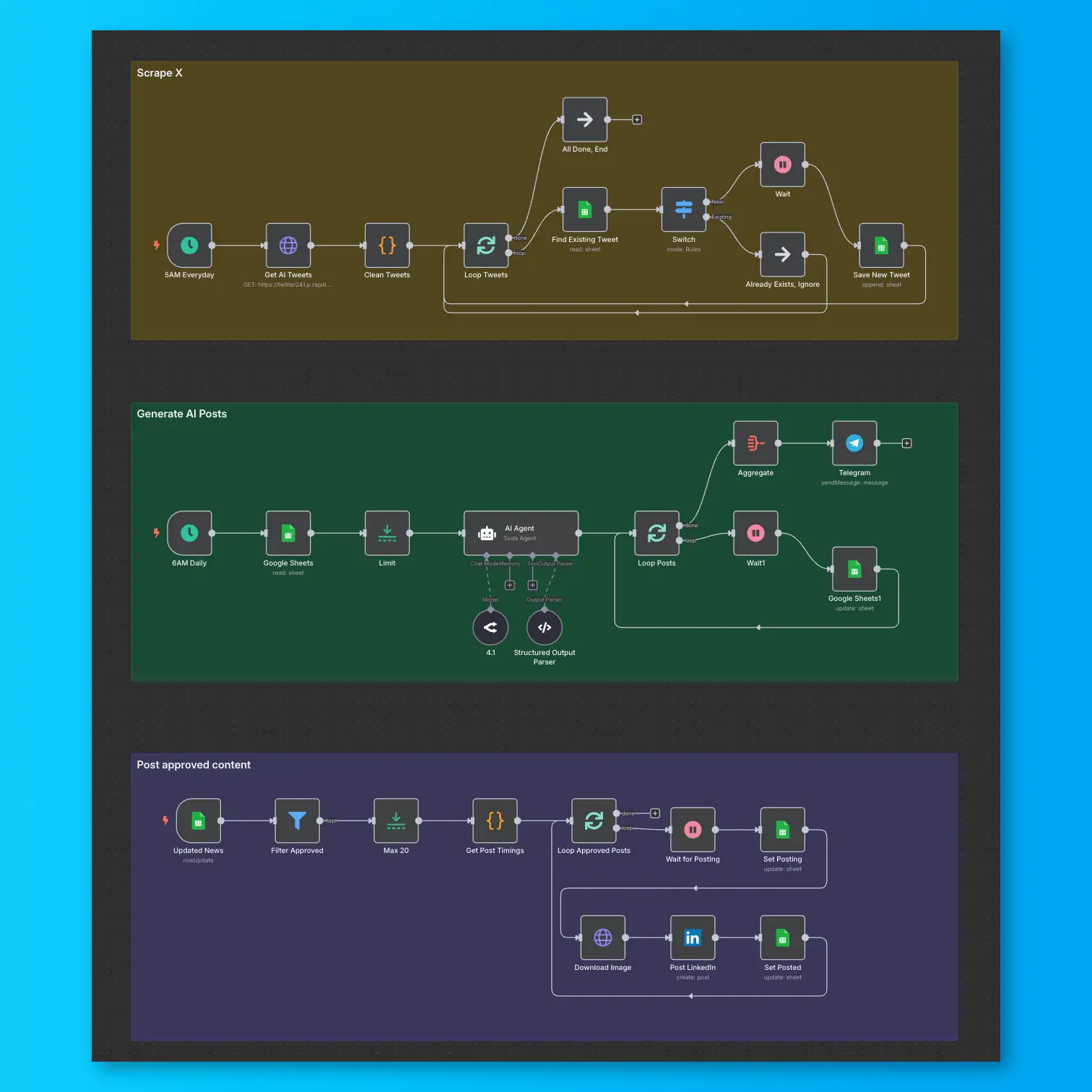
LinkedIn Automation From X Posts
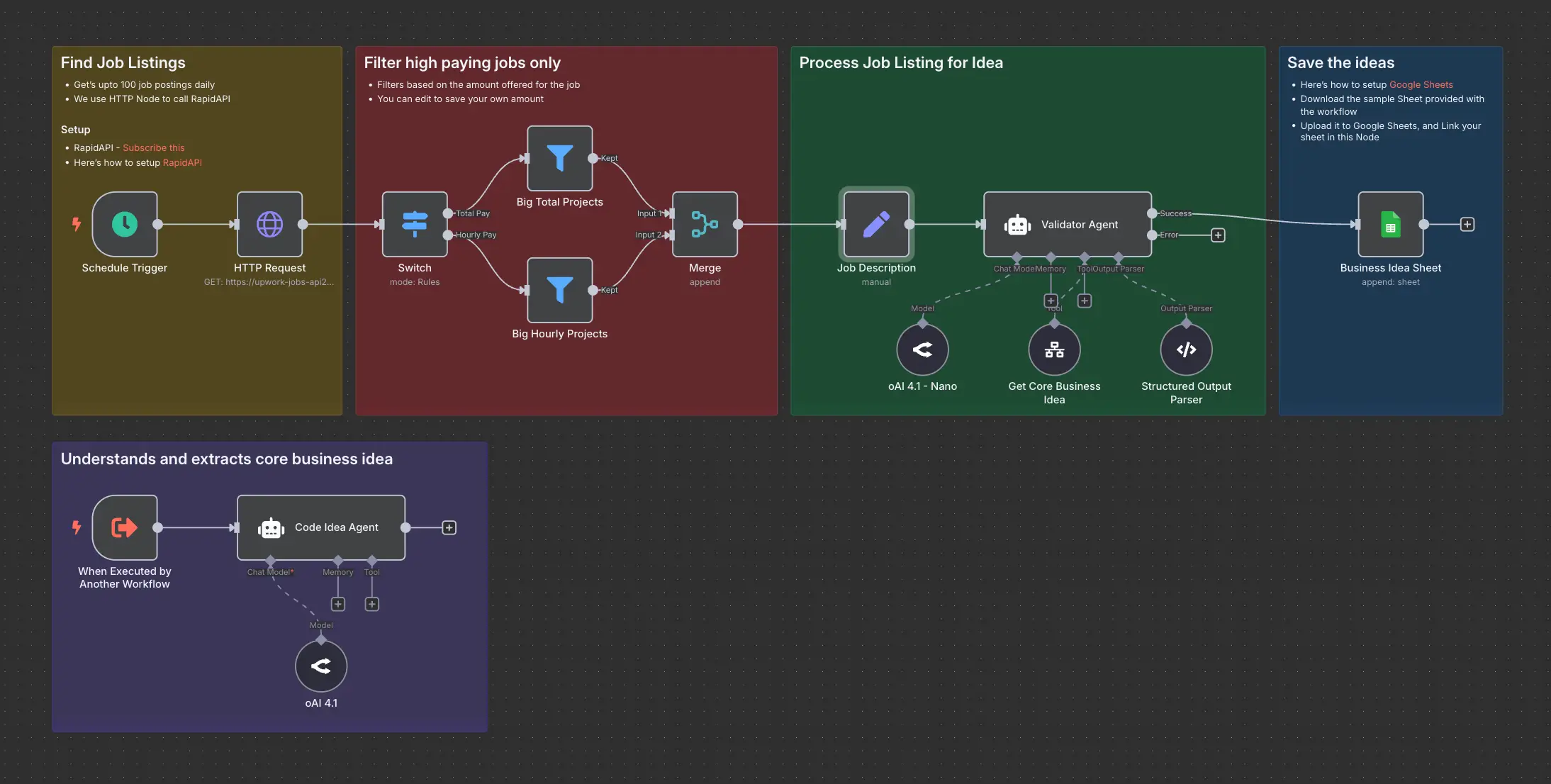
Daily Validated Business Ideas using n8n and Upwork