Same Support Questions Weekly? Claude Cowork Tasks vs Hiring


Table of Contents
- Introduction
- What are Claude Cowork scheduled tasks for support and ops digests?
- Why do support teams rebuild the same weekly digests by hand?
- How do you automate recurring business reports with Claude Cowork?
- What are the honest limits of Claude Cowork scheduled tasks?
- How do Claude Cowork scheduled tasks compare to hiring another seat?
- When should you graduate from Cowork to n8n workflow automation?
- What is the weekly checklist for Claude Cowork /schedule digests?
- When should you book a roadmap call for support ops automation?
- Frequently Asked Questions (FAQs)
Introduction
Every Monday, someone on your team rebuilds the same briefing. Top tickets. FAQ themes that will not die. Inbox volume versus last week. Pipeline movement tied to accounts that filed support cases. Leadership gets the digest they expect. The person assembling it loses ninety minutes they will never get back.
The default fix is another seat: a coordinator, a junior ops analyst, someone to "own reporting." That hire often works. It also papers over a structural problem. Most of that work is repetitive synthesis on data that already lives in your help desk, Gmail, Slack, and CRM. It is not judgment. It is copy, sort, cluster, summarize, repeat.
Claude Cowork scheduled tasks sit in that gap. You connect the tools your team already uses, define a /schedule cadence, and let Claude pull fresh data, run the same analysis prompt each week, and draft a readable ops report. Your team reviews, edits, and sends. You automate recurring business reports with Claude before you add payroll.
This guide is for support, success, and ops leads handling roughly fifty to five hundred tickets per month who are tired of hand-building the same digest. It covers what Cowork can do, what it cannot, how it compares to hiring, and when to graduate to n8n for 24/7 routing and audit trails. For the API-first triage pipeline (classify, draft, approve, send), see Claude customer support automation: triage before you hire. For deflection and queue design, see stop repeat support tickets: deflect 80% before you hire more.
Before you schedule anything, map friction with AI automation audit and readiness: what to map before you subscribe. When support reporting competes with pipeline work, use what to automate first: a revenue-first prioritization framework.
What are Claude Cowork scheduled tasks for support and ops digests?
Claude Cowork scheduled tasks are timed runs inside Anthropic's Cowork workspace. You grant connectors to Gmail, Slack, your help desk, CRM, or spreadsheets. On a schedule you define with /schedule, Claude pulls data those connectors can reach, executes a repeatable prompt, and outputs a draft report: a Cowork document, email draft, Slack post draft, or updated sheet.
Think of it as a standing assignment for an ops analyst who never forgets the template. Cowork is side-by-side collaboration with your real tools, not a separate BI product. Scheduled tasks add the timer.
For support and ops, the sweet spot is internal: weekly triage digests, inbox pulse summaries, FAQ theme rollups, and pipeline health notes leadership already asks for. Claude is the author. Humans are editors and senders of record. That is different from autonomous customer routing, which needs always-on infrastructure covered later in this post and in Claude for small business: plugin fit vs custom workflows.
Why do support teams rebuild the same weekly digests by hand?
The pattern is predictable because the inputs are stable even when the numbers change.
Your help desk exports open and closed tickets. Someone filters to seven days, sorts by priority, and manually groups subjects into themes. CRM gets queried for deals that moved stage while related accounts had tickets. A shared inbox gets scanned for volume spikes and after-hours gaps. Results land in a doc or slide deck with the same section headers every week.
Structurally, that briefing is a KPI report with narrative commentary. It has fixed data sources, recurring metrics (volume, time-to-first-response, backlog, theme mix, escalation rate), a fixed cadence tied to leadership rituals, and a template that barely changes. Reports with repeatable templates and defined systems are among the easiest to automate, which is why teams now look at automate recurring business reports Claude as a first move before headcount.
Humans still matter for edge cases, sensitive escalations, and customer conversations that need tone and policy judgment. The mistake is spending human hours on assembly when a scheduled task can produce an eighty-percent draft in minutes.
How do you automate recurring business reports with Claude Cowork?
Start with one digest, not five. Pick the report leadership actually reads, usually the Monday support triage summary.
Step 1: Wire minimum connectors. Grant read access to your help desk view (open tickets, last seven days), one shared support inbox or Gmail label, and optionally CRM for pipeline context. Fewer scopes mean fewer permission surprises.
Step 2: Freeze the template. List sections that never change: total volume versus prior week, top themes ranked by count and growth, unresolved VIP or SLA-risk tickets, suggested FAQ or macro updates, pipeline accounts with new support activity. Stable sections make stable prompts.
Step 3: Write one master prompt. Tell Claude what to pull, how to cluster, what thresholds matter, and what output format to use. Store it with the scheduled task so every run uses the same logic.
Step 4: Schedule and review. Set /schedule for early morning before standup. Default path: internal doc or draft Slack message only. A human skims, fixes misclassified themes, adds context Claude cannot see (launches, outages), then publishes.
Step 5: Iterate from diffs. When you edit Claude's output, note what was wrong. Update the prompt weekly until edits take ten minutes instead of forty.
Example prompt you can adapt:
You are preparing the weekly Support + Ops triage digest for leadership.

Data scope (last 7 days):
- Help desk: open and closed tickets from the "Weekly Triage" view
- Gmail label: support-inbox
- CRM: deals that changed stage where the account had a ticket

Produce these sections:
1. Executive summary (3 bullets): volume vs prior week, biggest theme shift, top risk
2. Theme ranking: cluster by issue type, count, week-over-week % change, 2 example ticket IDs each
3. Escalations: VIP, SLA breach, or priority tickets still open
4. FAQ suggestions: recurring questions with draft help-center paragraph (internal only)
5. Pipeline pulse: accounts with tickets + deal movement; flag churn or expansion risk

Tone: concise, factual, no customer PII in examples (use ticket IDs only).
Output: markdown with ## headers matching the sections above.
Pair this with still building Monday ops reports? automate KPI pulls without BI if you want a lighter spreadsheet-first variant before full Cowork scheduling.
What should a weekly triage digest include?
A useful Claude Cowork scheduled tasks digest answers questions leadership already asks aloud:
| Section | What Claude should compute | Why it matters |
|---|---|---|
| Volume pulse | Tickets opened/closed vs prior week | Spots staffing gaps early |
| Theme ranking | Clustered subjects/tags with growth % | Turns inbox noise into priorities |
| Escalation queue | Open VIP, SLA breach, angry sentiment | Protects revenue and trust |
| FAQ / macro candidates | Repeat questions with draft text | Feeds deflection work |
| Pipeline cross-check | Deals + support overlap | Aligns Sales and Support |
Claude's value is not just counts. It writes the "so what" narrative: which theme grew fastest, whether after-hours volume blew past your informal target, which accounts need a joint Sales-Support call. That is analyst work compressed into a scheduled run.
What are the honest limits of Claude Cowork scheduled tasks?
Credibility requires caveats. Cowork scheduled tasks are powerful for internal digests. They are not a production orchestration platform.
Desktop or session dependency. A Cowork environment must be available when the schedule fires. This is not headless cloud infrastructure with a 24/7 SLA. Laptop closed or workspace disconnected means delayed or skipped runs.
Best-effort, not guaranteed. There is no built-in retry engine, dead-letter queue, or uptime contract comparable to n8n or similar workflow tools. Treat schedules like a smart assistant preparing a packet overnight, not a hardened backend service.
Connector boundaries. Claude only sees what you authorize. Under-scoping hides data; over-scoping creates risk. Be deliberate about which inboxes, channels, and CRM objects you expose.
Human review before external send. Let Claude draft customer-facing replies or public Slack posts, but keep approval on anything that leaves the company or writes to systems of record. Internal ops digests are the fit; unattended customer routing is not.
If your requirement is "this must run at 2 AM even when nobody is online, with logs," you have outgrown Cowork scheduling for that flow. That is a graduation signal, not a failure of the tool.
How do Claude Cowork scheduled tasks compare to hiring another seat?
Framing this as Claude versus human is usually wrong. The real question is what shape the next unit of capacity should take.
A new coordinator typically owns report assembly, chasing updates from other teams, ticket tagging, internal summaries, and low-complexity routing. Claude Cowork scheduled tasks can absorb most of the first four bullets if you invest once in connectors and prompts. The hire then spends time on customer conversations, process design, and complex incidents instead of rebuilding slides.
| Dimension | Hire another seat | Cowork /schedule digests |
|---|---|---|
| Setup time | Weeks (recruit, onboard) | Days (connectors + prompt) |
| Recurring cost | Salary + benefits | Claude subscription + connector seats |
| Flexibility | High for ad-hoc work | High for templated synthesis |
| 24/7 reliability | Human hours limited | Session-dependent |
| Audit trail | Informal (docs, Slack) | Light; not compliance-grade |
| Best for | Judgment, relationships | Weekly digests, internal KPI narrative |
Hiring still wins when volume needs real-time human presence, you lack anyone to own prompt maintenance, or customer trust requires a named owner in the thread. Scheduling wins when the pain is specifically "same report every week" and leadership mainly needs consistent synthesis.
Many teams do both eventually: automate the digest, then hire for a more strategic role (programs, proactive success) instead of "reporting coordinator."
When should you graduate from Cowork to n8n workflow automation?
Cowork scheduled tasks are the right first layer for automate recurring business reports Claude style work. Graduate when requirements look like production infrastructure.
You need 24/7 routing with SLAs. If VIP tickets must notify on-call within minutes, a daily or desktop-tied schedule is insufficient. You need event triggers, retries, and guaranteed processing.
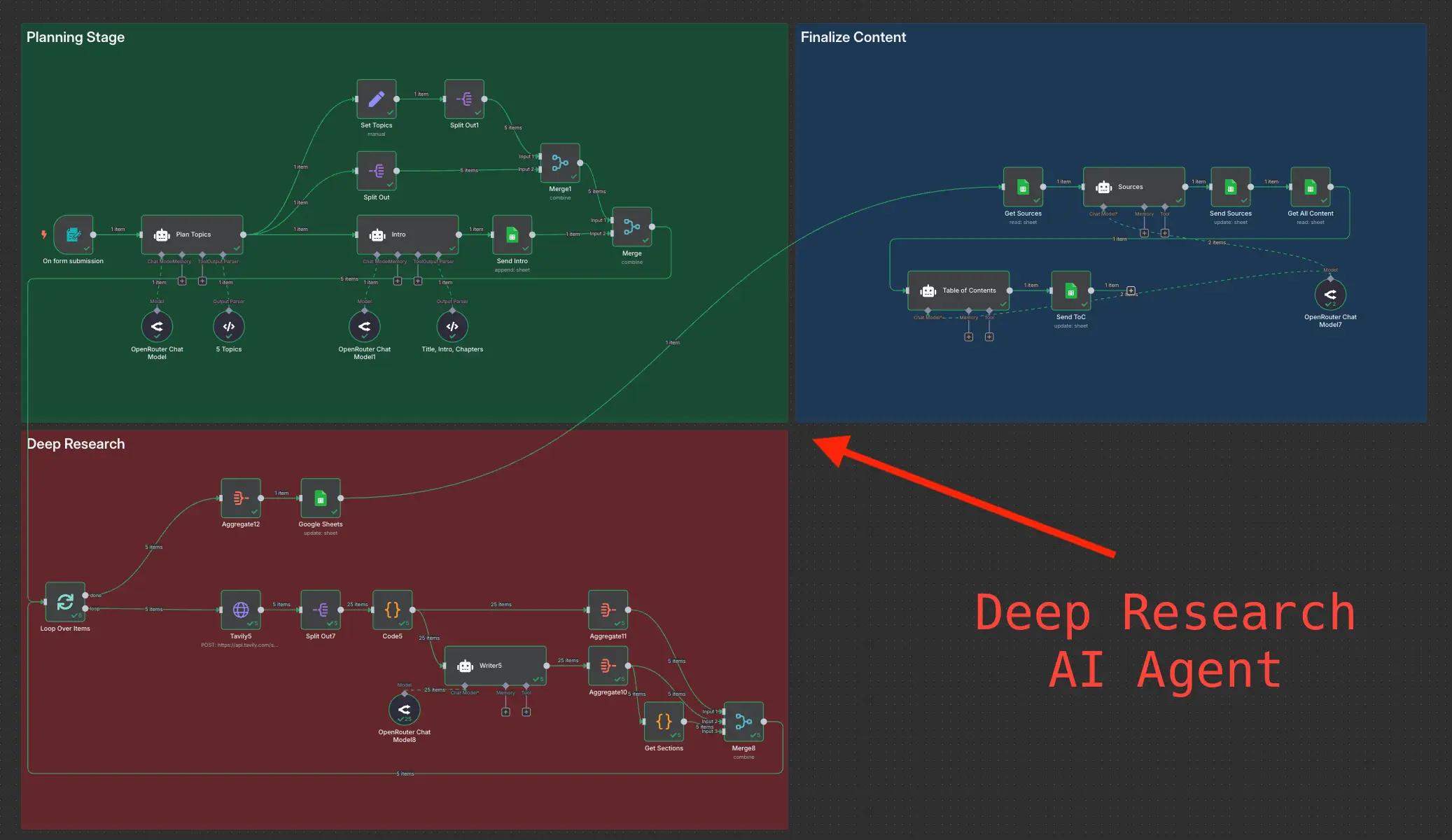
Multi-tool orchestration with branches. Flows like "VIP ticket opens → Slack war room → incident board → page engineer" need state, branching, and error handling. Tools like n8n are built for that orchestration layer.
Audit trails and compliance. Regulators and enterprise customers ask who changed what and when. Cowork lacks the versioned execution logs workflow platforms provide.
Reliable CRM and help desk write-back. Proposing updates in a digest is safe; writing at scale needs tested flows, rollback, and monitoring.
A pragmatic split: keep Cowork for narrative digests and exploratory summaries; move routing, SLAs, and write-back into n8n, optionally calling Claude inside those flows for classification. For build-vs-help decisions, see should you DIY n8n workflows or hire a workflow automation consultant?.
What is the weekly checklist for Claude Cowork /schedule digests?
Use this operational checklist once, then repeat every Monday review cycle.
One-time setup
- Pick one digest (start with Support Weekly Triage only).
- List connectors: help desk view, Gmail label, CRM read scope, optional Slack archive channel.
- Document the frozen template sections (table above).
- Write and save the master prompt; include "no PII in examples" if sharing broadly.
- Create
/schedulefor 6:00-7:00 AM local, output to internal doc or draft channel. - Assign one owner for Monday review and prompt updates.
Every Monday (15-20 minutes)
- Open the scheduled draft; verify volume numbers against help desk (spot-check).
- Fix misclassified themes; note prompt tweaks for next week.
- Accept or reject FAQ suggestions; route accepted items to docs owner.
- Copy escalation list into your standup doc or ticket queue.
- Add human-only context (launches, known incidents Claude cannot see).
- Publish to leadership Slack or meeting doc; log what changed from draft to final.
Monthly
- Review edit distance: if you still rewrite more than thirty percent, refine the prompt.
- Check connector scopes still match org changes (new inbox, new CRM fields).
- Decide if any section should graduate to event-driven n8n (e.g., VIP alerts).
That rhythm turns Claude Cowork scheduled tasks from a demo into ops infrastructure without pretending it is a datacenter.
When should you book a roadmap call for support ops automation?
Book a 45-minute AI strategy roadmap call when Cowork digests work but the backlog is production-grade: real-time VIP routing, cross-team SLAs, audit requirements, or five-plus systems that must stay in sync.
A scoped call helps you decide which flows stay in Cowork (narrative, weekly synthesis), which move to n8n (triggers, retries, write-back), and what to build in what order without breaking the reporting leadership already trusts. It is the right step when "we need another seat for ops" is really "we need orchestration we can defend under scrutiny."
If you are still hand-building Monday digests and have not tried one scheduled task, start there this week. Wire minimum connectors, run the prompt above, review once. You may still hire, but you will hire for judgment instead of copy-paste.
Frequently asked questions
Quick answers on the topics covered in this article.
They are timed runs in Anthropic's Cowork workspace. You connect Gmail, Slack, help desk, CRM, or spreadsheets, set a /schedule cadence, and Claude pulls data plus runs a repeatable prompt to draft reports like weekly support triage digests.
Yes, for internal ops digests with stable templates: ticket theme rollups, inbox volume commentary, escalation lists, and pipeline cross-checks. Claude drafts; humans review before anything goes to customers or systems of record.
Not reliably. Runs depend on an active Cowork session or desktop environment. There is no guaranteed 24/7 headless SLA. For always-on routing, use workflow automation like n8n instead.
Cowork handles templated synthesis and report assembly on a schedule. A hire handles judgment, live customer work, and ad-hoc coordination. Many teams automate digests first, then hire for strategic work rather than slide building.
Volume versus prior week, ranked issue themes with examples, open VIP or SLA-risk tickets, FAQ or macro suggestions, and CRM pipeline overlap with support activity. Claude works best when sections stay consistent week to week.
Not as a default. Cowork fits internal drafts and digests with human approval. Unattended customer routing needs event triggers, retries, grounding, and audit logs, usually via API plus n8n or similar.
When you need 24/7 event-driven routing, multi-step orchestration with retries, compliance-grade audit trails, or reliable write-back to CRM and help desk at scale. Keep Cowork for narrative weekly reports; move production flows to n8n.
At minimum: help desk read access for a seven-day ticket view and one shared inbox or Gmail label. Add CRM read scope for pipeline pulse and optional Slack for internal distribution drafts.
Teams often drop from sixty to ninety minutes of manual assembly to fifteen to twenty minutes of review and light edits, once prompts and connectors are stable. First runs take longer while you tune clustering and sections.
Yes, when you are planning production SLAs, multi-tool orchestration, or audit requirements Cowork cannot meet. A roadmap call maps which flows stay scheduled in Cowork versus which graduate to n8n without disrupting existing leadership reporting.
Share this article
Related workflows
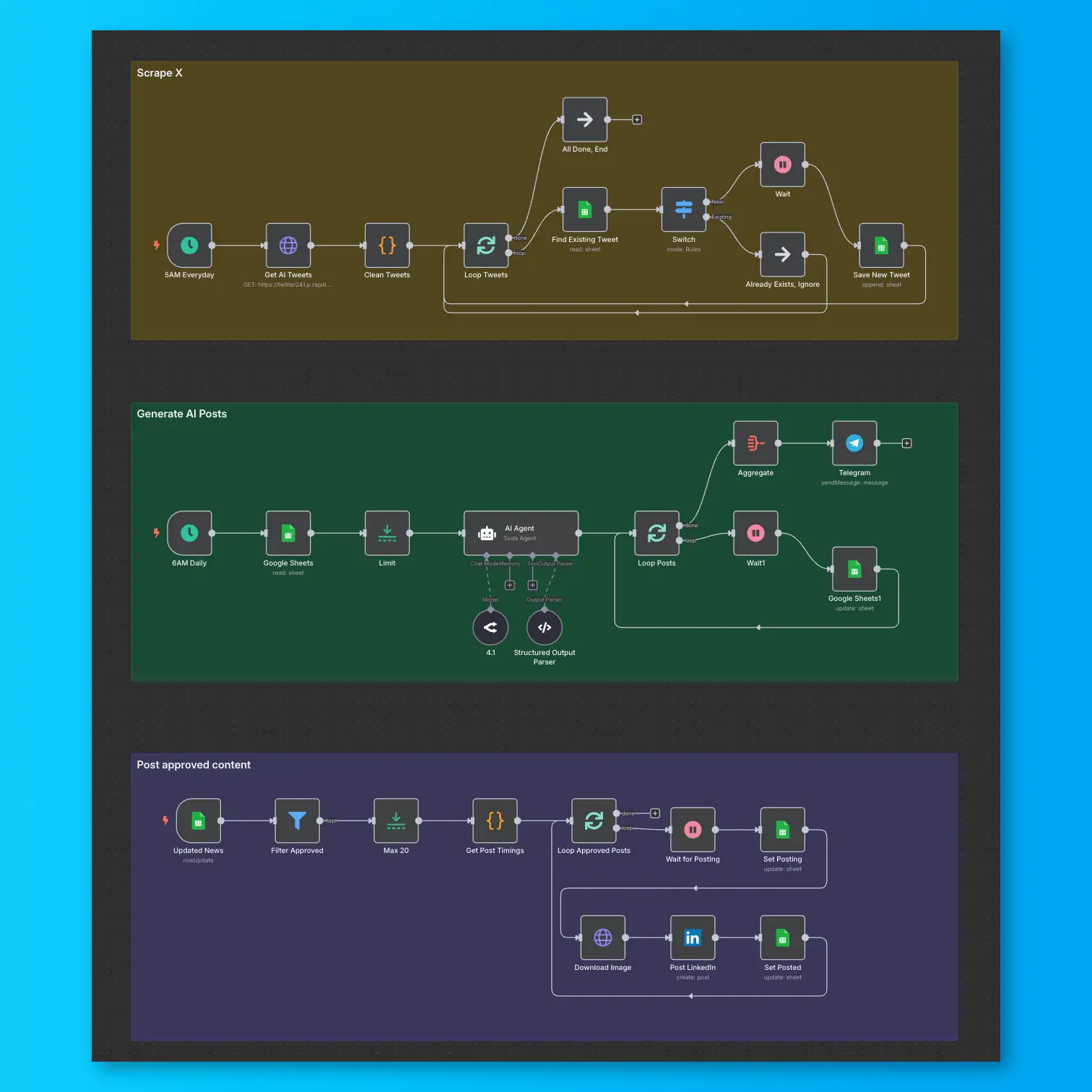
LinkedIn Automation From X Posts
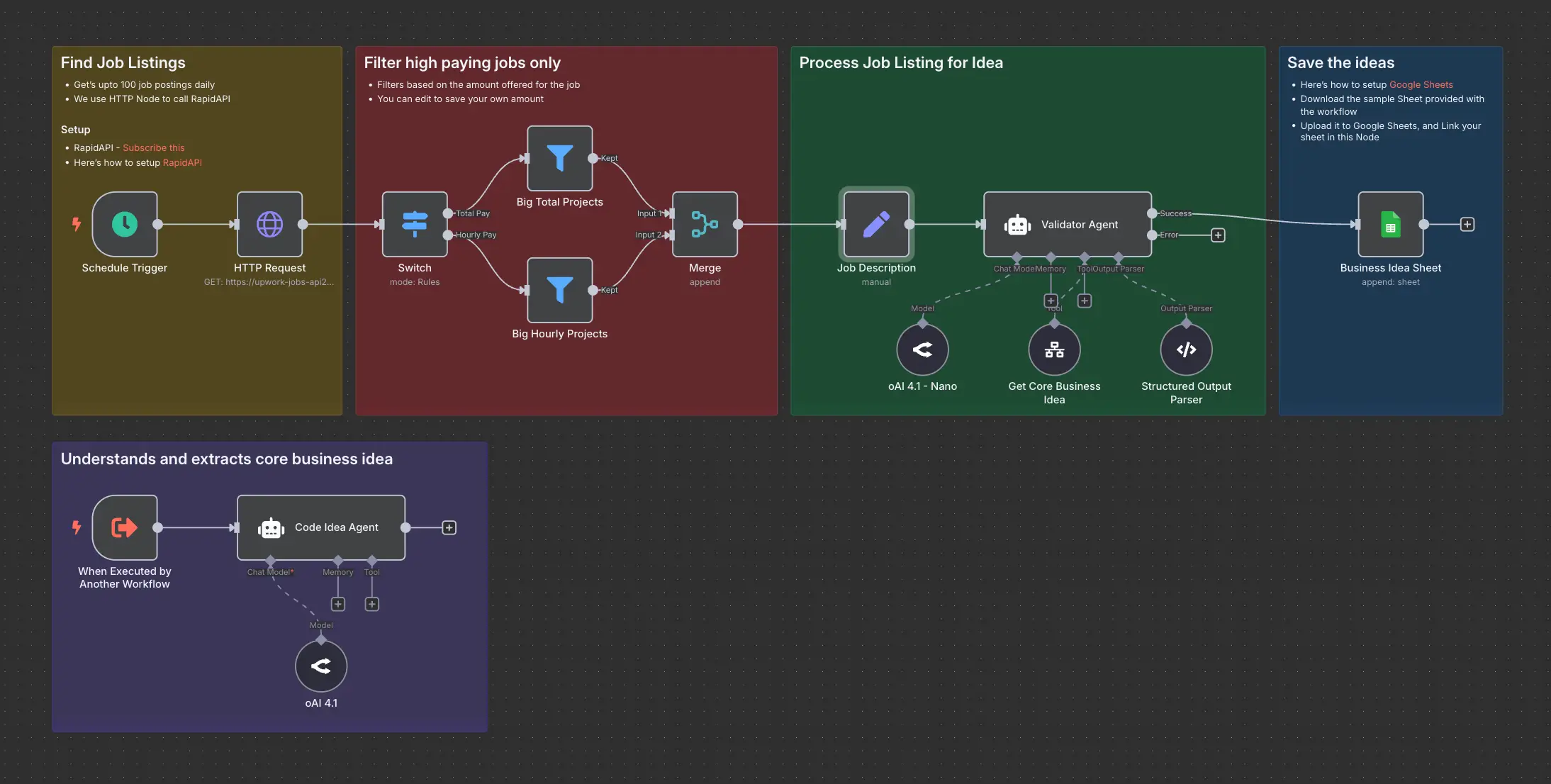
Daily Validated Business Ideas using n8n and Upwork