Microsoft Scout: What M365 Teams Build vs Wait (2026)


Table of Contents
- Introduction
- What is Microsoft Scout and how does it fit the Autopilots category?
- What did Microsoft announce about Scout at Build 2026?
- What can a Microsoft Scout AI agent actually do in M365 today?
- Who should join the Scout Frontier pilot in 2026?
- What should M365 teams build now with n8n and Claude instead of waiting?
- What practical caveats should you expect before Scout reaches GA?
- How do you decide build now vs wait for M365 workflow automation in 2026?
- When should you book a roadmap call instead of chasing Scout hype?
- Frequently Asked Questions (FAQs)
Introduction
On June 2, 2026, at Microsoft Build, Microsoft introduced Microsoft Scout as its first Autopilot agent: an always-on personal agent that works across Teams, Outlook, OneDrive, SharePoint, your desktop, and your browser. The pitch is compelling. Instead of asking Copilot a question and copying the answer somewhere, Scout stays active in the background, understands your priorities through Work IQ, and takes action on your behalf under enterprise controls.
The gap between the keynote and your rollout plan is wide. Scout is not a toggle in the M365 admin center today. It ships as an experimental Frontier release that requires Frontier enrollment, Intune policy configuration, admin opt-in attestation, and a GitHub Copilot Business or Enterprise license per user. General availability is widely reported as targeting around October 2026, though Microsoft has not locked that date in its primary announcement.
If you run M365 and hear "autopilot agents" in every vendor briefing, you need a clearer answer than "wait for Microsoft." This guide covers what Scout actually does, who should pilot it now, what to build with n8n and Claude while Scout matures, and the caveats that matter when Scout hype collides with tool sprawl.
What is Microsoft Scout and how does it fit the Autopilots category?
Microsoft Scout is Microsoft's first agent in a new category called Autopilots: always-on agents that work autonomously, with their own identity, and act on your behalf. That is a step beyond prompt-and-response Copilot chat. Autopilots stay active in the background, understand how work flows across apps, and take action without being prompted each time.
Scout is grounded in the Microsoft 365 apps you already use. You interact with it in Teams, and the desktop app extends reach to your browser, local files, and Model Context Protocol (MCP) servers. Microsoft built Scout on OpenClaw open-source technology and is contributing policy conformance upstream so organizations running OpenClaw can validate security and compliance posture. Scout adds the enterprise layer: Entra identity, scoped credentials, access controls, and Purview enforcement.
For ops and IT leaders, the category shift matters more than the branding. Microsoft is betting that coordination work (scheduling across time zones, flagging stalled decisions, blocking calendar time for deliverables) belongs in a persistent agent, not in another flow you manually trigger. Whether that bet fits your org depends on governance readiness, not enthusiasm.
What did Microsoft announce about Scout at Build 2026?
Microsoft's June 2, 2026 announcement framed Scout as the first Autopilot agent integrated across cloud, desktop, and web. Key capabilities Microsoft highlighted:
- Proactive meeting coordination across time zones, with prep materials generated while you stay in the loop
- Identification of upcoming deliverables and automatic calendar blocking to protect focus time
- Risk surfacing, such as stalled decisions, before they become blockers
- Context that improves over time through Work IQ, learning priorities and what needs to happen next
Microsoft employees have used an early desktop experience internally. At Build, Microsoft extended access to a select group of customers in private preview and to Frontier organizations as an experimental release. Microsoft also announced related Work IQ APIs and production-ready intelligence for agents, signaling that Scout sits inside a broader agent platform strategy, not a standalone app experiment.
If you are comparing Scout to DIY agent stacks, the OpenClaw connection is worth noting. Microsoft is not hiding the lineage. Scout inherits open-source agent patterns while wrapping them in Entra identity, Purview policies, and M365-native surfaces. That is different from running a personal agent on a Mac mini or VPS, which trades enterprise controls for speed. For background on that tradeoff, see OpenClaw on 5 VPS: ditch the Mac mini hype and what Claude Dispatch is and how it compares to OpenClaw.
What are the Frontier, Intune, and GitHub Copilot requirements for Scout?
Access today is gated, and the gates are specific. Microsoft's announcement states that access requires Frontier enrollment, Intune policy configuration, and opt-in attestation. Users with a GitHub Copilot license can then download and install the experience.
The Microsoft Scout (Frontier) download page adds more detail:
| Requirement | What it means |
|---|---|
| Microsoft Frontier | Organization enrolled; admin opts in and accepts preview terms |
| Frontier access group | User must be in the group with Scout access enabled |
| Microsoft Intune | Device enrolled and managed; Intune policies configured |
| GitHub Copilot | Active GitHub Copilot Business or Enterprise subscription |
| Desktop OS | Windows 11 or supported macOS |
| Install rights | User can install desktop apps, or IT deploys centrally |
This is not "turn on Copilot for Microsoft 365 and Scout appears." You need Frontier program enrollment, device management through Intune, and a separate GitHub Copilot license tier. Budget conversations should start there, before anyone demos calendar blocking to the exec team.
General availability is widely reported as targeting around October 2026, with some coverage pointing to early 2027. Microsoft has not confirmed a firm GA date in its primary Scout announcement, so treat October 2026 as directional, not contractual.
What can a Microsoft Scout AI agent actually do in M365 today?
A Microsoft Scout AI agent today is an experimental desktop plus Teams experience that connects M365 surfaces, local files, and browser automation under user-controlled permissions. Microsoft positions Scout to reduce coordination overhead: scheduling, meeting prep, deliverable tracking, and early risk flags.
The download page describes concrete behaviors: proactively identifying work you can offload, configuring habits and skills, flagging potential issues, preparing for meetings, automating workflows, and performing browser-based tasks. Critically, Scout supports user approval before external-facing actions such as sending email, posting Teams messages, updating calendar events, or running privileged operations. That approval gate is not optional polish. It is how Microsoft bridges "autonomous agent" marketing with enterprise risk tolerance in a preview product.
Scout also operates with its own governed Entra identity rather than a shared service account. Credentials are scoped to the task, redacted from logs, and actions respect Purview sensitivity labels and data loss prevention policies. For regulated teams, that identity and policy layer is the main reason to care about Scout over a hobbyist OpenClaw deployment.
What Scout does not promise in the current experimental release is a full replacement for cross-vendor orchestration. If your pain is Salesforce to HubSpot to Stripe with custom branching, Scout's M365-native scope may feel narrow until connector ecosystems mature at GA.
Who should join the Scout Frontier pilot in 2026?
Join the Scout Frontier pilot if you meet the licensing and management prerequisites, have a narrow use case with clear success metrics, and can absorb preview instability without betting revenue workflows on Scout alone.
Strong pilot candidates share these traits:
- M365-centric operations. Most coordination pain lives in Teams, Outlook, SharePoint, and calendar, not in niche SaaS tools.
- Intune already deployed. You are not standing up device management just for Scout.
- Frontier enrollment feasible. Leadership accepts preview terms and experimental feature churn.
- GitHub Copilot Business or Enterprise in budget. Per-user licensing is real line-item cost.
- Governance muscle. You can define what Scout may touch, who approves external actions, and how incidents get reviewed.
Weak pilot candidates should wait:
- Teams still copying data between inboxes, spreadsheets, and CRM by hand with no stack map or build order
- No logging, change control, or approval gates for automations (rollout checklist not in place)
- Expecting Scout to fix tool sprawl without retiring overlapping agents and flows
Treat Frontier as a learning program, not a production cutover. Run one squad, document failures, and measure time saved on coordination tasks versus supervision overhead.
What should M365 teams build now with n8n and Claude instead of waiting?
M365 workflow automation in 2026 cannot pause for October. Revenue leaks, support queues, and reporting gaps do not wait for Frontier GA. Build now with n8n and Claude when Scout's scope, licensing, or timeline blocks the workflow you need this quarter.
Build now with n8n plus Claude for:
| Use case | Why build now |
|---|---|
| Lead qualification and CRM updates | Webhook-triggered classify-and-route with human approval before CRM writes |
| AP invoice or contract triage | Extract, flag exceptions, route to approvers before accounting systems |
| Cross-vendor glue (CRM + ads + billing) | Scout preview is M365-native; n8n covers 400+ connectors today |
| After-hours intake with SLA ownership | Deterministic triggers, logged runs, explicit escalation paths |
| Weekly KPI pulls without BI sprawl | Scheduled pulls, Claude summarization, human-reviewed distribution |
A practical pattern: Haiku or Sonnet for classification and drafting, n8n for triggers, retries, and audit logs, and human approval gates before anything customer-facing or financial ships. That mirrors Scout's approval philosophy without waiting for Frontier access.
Do not build a parallel empire of shadow automations. Cap new n8n flows at two or three revenue-adjacent workflows, version them, and log every run. The goal is to close gaps Scout cannot cover yet, not to accumulate debt Scout will not automatically absorb.
What practical caveats should you expect before Scout reaches GA?
Expect preview churn, licensing stack-up, and governance gaps if you treat Scout like a finished platform.
Experimental behavior. Microsoft labels Scout (Frontier) as early and experimental. Features, connectors, and policies can change before GA. Workflows you script today may need rework when GA interfaces land.
Licensing complexity. Scout sits on top of M365, Frontier, Intune management, and GitHub Copilot Business or Enterprise. Total cost is not one SKU. Finance needs a per-seat model before pilots expand.
Personal vs team workflows. Early Scout experiences center on individual productivity. Sharing automations across departments is not the default mental model. Centers of excellence should plan pattern libraries so five teams do not rebuild the same meeting-prep habit.
Approval overhead. User approval before external actions is a safety feature and a friction point. High-volume teams must define when approval is required versus when pre-authorized habits are safe.
Cross-platform limits. Scout excels inside M365 and controlled desktop reach. If your stack spans non-Microsoft systems, you still need orchestration glue. That is where n8n plus Claude remains complementary, not competitive, if governed under one architecture.
Audit expectations. Scout promises enterprise identity and Purview integration. Preview audit detail may not yet match what compliance teams want for regulated data. Validate logging depth in your pilot before expanding scope.
GA date uncertainty. October 2026 is the widely reported target, not a guaranteed ship date. Plan automation roadmaps with a "wait" lane for Scout-dependent workflows and a "build" lane for everything else.
How do you decide build now vs wait for M365 workflow automation in 2026?
Use a simple decision matrix. Score each candidate workflow on Scout readiness, cross-app scope, risk, and time sensitivity.
| If the workflow... | Lean toward... |
|---|---|
| Lives mostly in Teams, Outlook, calendar, SharePoint | Scout pilot (if Frontier gates are met) |
| Spans CRM, ads, billing, or non-Microsoft SaaS | Build now with n8n + Claude |
| Touches regulated or customer-facing data | Build with explicit approval gates now; pilot Scout only with compliance sign-off |
| Needs production SLA this quarter | Build now; do not bet on experimental Scout |
| Is coordination and meeting prep for executives | Strong Scout pilot candidate |
| Is shadow IT already running in ChatGPT tabs | Formalize with governed orchestration now |
Build now when delay costs real money or creates compliance exposure. Pilot Scout when you have Frontier access, Intune coverage, and a narrow M365-native use case with executive sponsorship. Wait when you lack prerequisites, when the workflow is cross-vendor, or when your org has not solved tool sprawl and build order yet.
The worst outcome is adding Scout on top of six overlapping agents because Build keynote FOMO beat architecture. Map the stack first. Rank two or three workflows. Then decide whether Scout, n8n, Power Automate, or a hybrid owns each lane.
When should you book a roadmap call instead of chasing Scout hype?
Book a 45-minute roadmap call when Scout hype meets tool sprawl and nobody can answer three questions: what we automate first, what we retire, and who owns approvals when an agent acts.
That moment usually looks familiar. Leadership saw the Build demo. Three teams already bought AI copilots. IT is fielding Intune and GitHub Copilot questions nobody budgeted. RevOps still copies leads from inboxes into CRM. Someone asks, "Should we just wait for Scout?"
A roadmap call makes sense when:
- You need a stack map and ranked build order before another subscription lands
- Frontier prerequisites (Intune, GitHub Copilot, governance) are unclear
- You want n8n plus Claude patterns for Q3 workflows without betting on October GA
- Compliance wants logging, change control, and approval gates before any agent sends email on behalf of users
- You are choosing between piloting Scout, scaling Power Automate, or consolidating on orchestration glue
You leave with a phased plan: what to build this month, what to pilot under Frontier, what to defer, and what to retire. Scout can be the right long-term layer for M365-native coordination. It is rarely the right first step when the foundation is still human copy-paste between systems.
If Scout headlines pushed your team into "we need agents" mode before you have a build order, book a roadmap call. We will map the stack, score the first workflows, and separate what Scout will likely solve from what you should ship before October either way.
Frequently asked questions
Quick answers on the topics covered in this article.
Microsoft Scout is an always-on Autopilot agent that works autonomously in the background across M365 apps, your desktop, and browser, with its own Entra identity. Copilot chat responds when prompted. Scout proactively coordinates meetings, tracks deliverables, and surfaces risks without waiting for each request.
Microsoft announced Scout on June 2, 2026, at Microsoft Build as the first agent in the new Autopilots category.
No. Scout is an experimental release through the Microsoft Frontier program, plus a select private preview. It is not broadly GA. Industry coverage targets general availability around October 2026, but Microsoft has not confirmed a firm GA date in its primary announcement.
Frontier enrollment, Intune policy configuration, admin opt-in attestation, a Frontier access group for users, managed devices, and an active GitHub Copilot Business or Enterprise license. Users download the Scout (Frontier) desktop app from Microsoft's download center.
Microsoft's Scout announcement specifies a GitHub Copilot license for installation. The download page lists GitHub Copilot Business or Enterprise specifically. Budget for that SKU separately from Copilot for Microsoft 365 chat features.
Autopilots are always-on agents that work autonomously with their own identity and act on your behalf within permissions and policies you set. They stay active without repeated prompting and carry work forward across apps.
Yes. Microsoft states Scout is powered by OpenClaw open-source technology and is contributing policy conformance upstream so OpenClaw deployments can validate security and compliance configuration.
Yes, for cross-vendor glue, revenue-critical flows, and anything needing production SLAs this quarter. Scout preview is M365-native and experimental. n8n plus Claude covers broader connectors with explicit approval gates and logging you control today.
The Scout (Frontier) download page states user approval is required before external-facing actions including email, Teams posts, calendar updates, and privileged operations. Treat that as a core safety feature in pilot design.
When Scout hype collides with tool sprawl, unclear licensing, missing governance, or no ranked build order. A roadmap call maps what to build now, what to pilot under Frontier, and what to retire before adding another agent layer.
Share this article
Related workflows
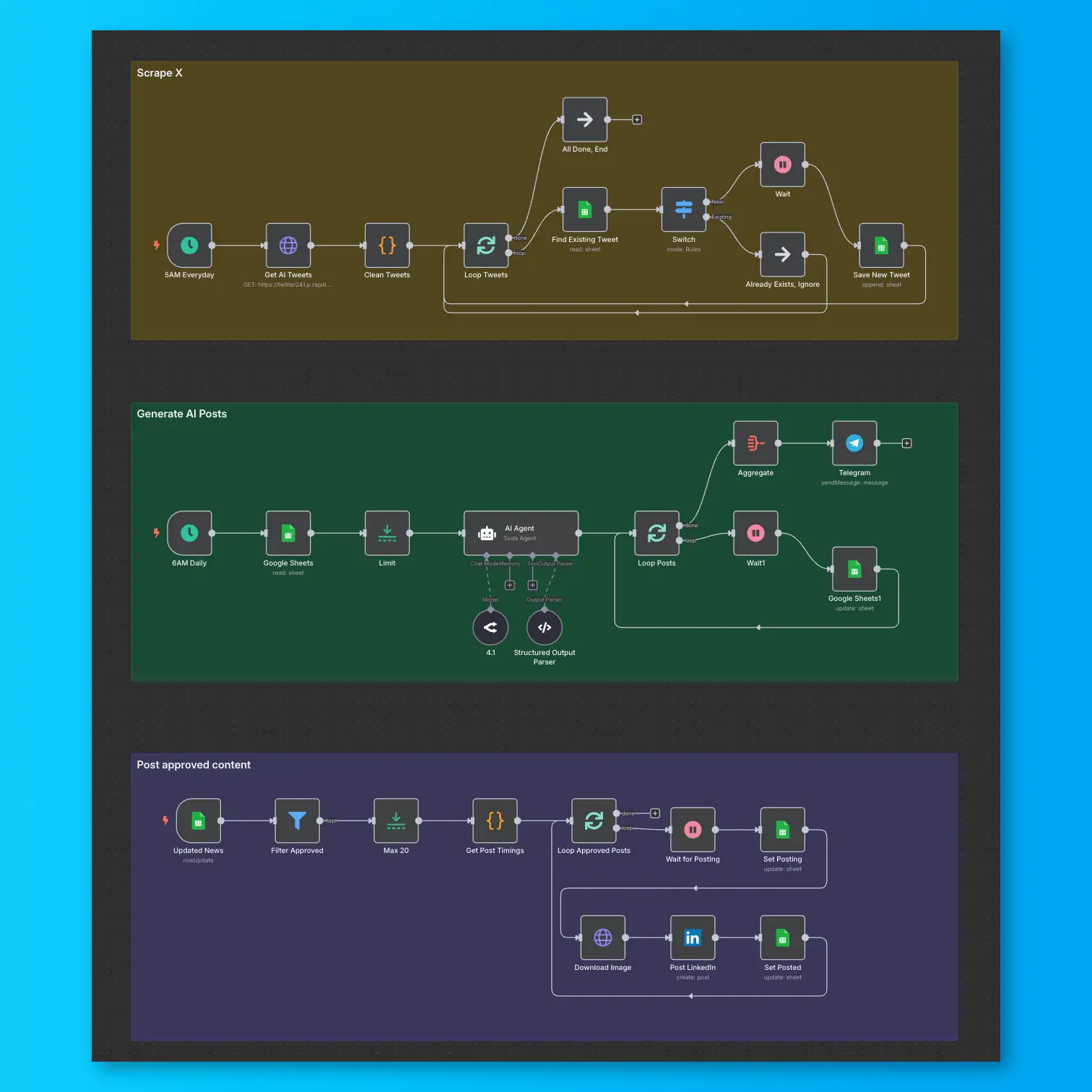
LinkedIn Automation From X Posts
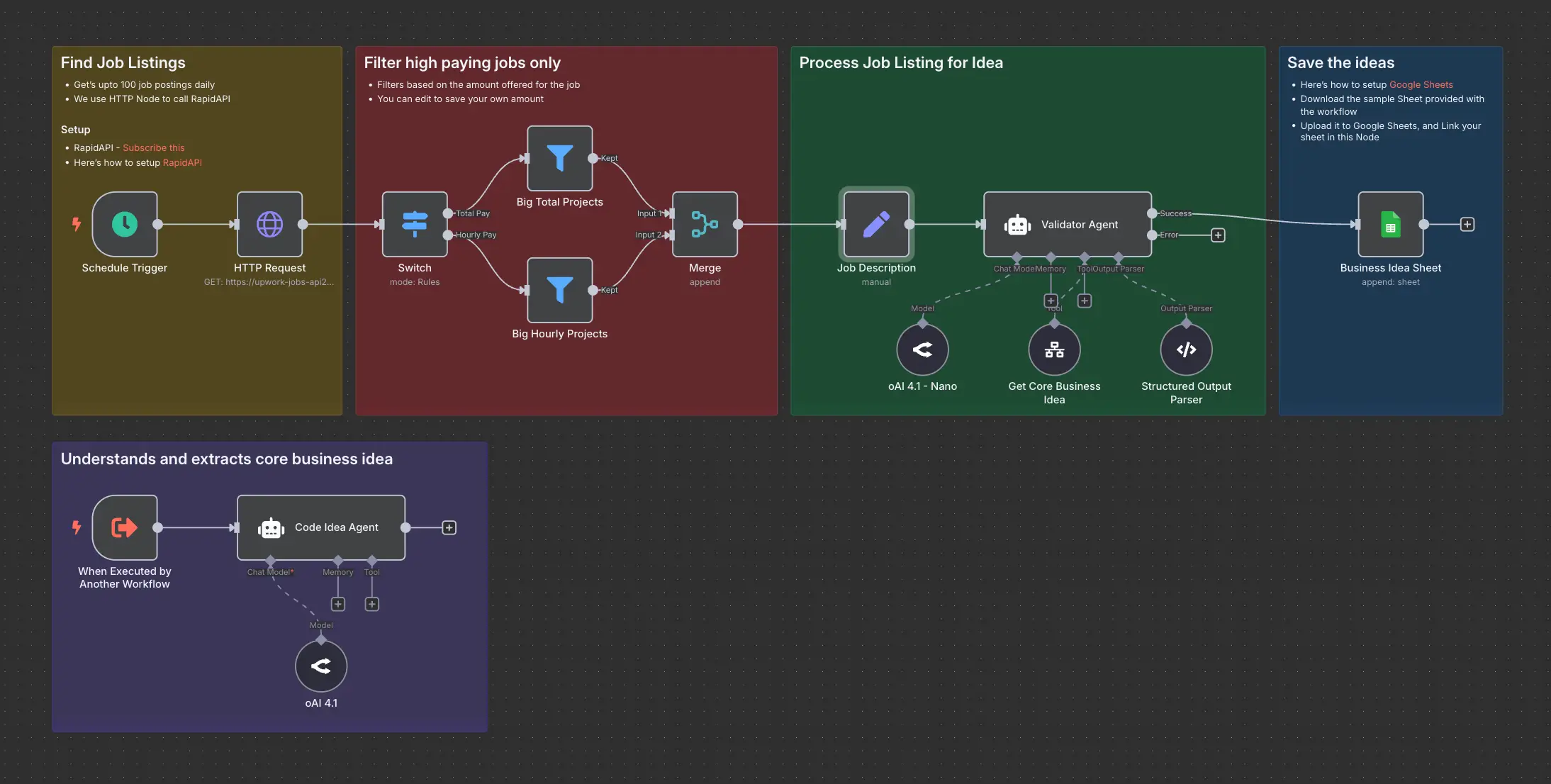
Daily Validated Business Ideas using n8n and Upwork