How to Build a RAG Pipeline Using Apify + LangChain (2026 Guide)

Table of Contents
- Introduction
- What Is RAG and Why Does Stale LLM Training Data Break Production Assistants?
- Why Use Apify for Web Scraping for RAG in 2026?
- How Does the Apify Website Content Crawler Produce LLM-Ready Markdown?
- How Do You Build an Apify LangChain RAG Pipeline Step by Step?
- Step 1 - Install Dependencies and Set Environment Variables
- Step 2 - Crawl Docs with Apify Website Content Crawler
- Step 3 - Load Apify Dataset into LangChain Documents
- Step 4 - Chunk and Embed with OpenAI
- Step 5A - Store Vectors in Chroma
- Step 5B - Store Vectors in Pinecone
- Step 6 - Run Retrieval and Answer Questions
- How Do You Keep the Vector Database Fresh Automatically?
- What Does a Real US Startup Support-Bot Deployment Look Like?
- How Does ApifyDatasetLoader Compare to ApifyWrapper in LangChain?
- Bonus - How Can Apify MCP Server Give Claude or GPT-4 Live Web Access?
- Frequently Asked Questions (FAQs)
Introduction
If you are building an AI product in 2026, the hardest part is no longer "calling an LLM API". The hard part is giving your model context that is current, relevant, and trustworthy.
That is exactly why RAG matters. A retrieval-augmented generation stack lets you inject fresh external knowledge at inference time instead of relying only on whatever your base model learned during training.
In this guide, you will build a complete Apify LangChain RAG pipeline end to end:
- Crawl a target documentation site with Apify Website Content Crawler
- Load output into LangChain with native Apify integration
- Chunk and embed with OpenAI
- Store vectors in Chroma or Pinecone
- Run retrieval and answer questions
- Keep the index fresh using scheduled Apify runs
You can start everything on the Apify free plan, then scale compute and storage after your quality metrics are proven.
What Is RAG and Why Does Stale LLM Training Data Break Production Assistants?
RAG is a pattern where your application retrieves relevant documents first, then sends those documents as context to the LLM. The model still generates the response, but grounded in your retrieved source chunks.
Without RAG, most product assistants eventually fail in the same way:
- They answer using outdated docs
- They hallucinate on pricing, API fields, or release notes
- They produce plausible but wrong support instructions
This failure mode is especially painful in customer support bots. One outdated answer can create ticket escalation, refunds, and trust loss.
The core production issue is stale training data. Frontier models are strong, but they do not "auto-sync" with your product docs every hour. If your product ships weekly, your model's latent knowledge is outdated by default.
RAG solves this by separating reasoning from knowledge freshness:
- Model handles language reasoning
- Retrieval layer handles current facts
That architecture is now standard for teams building support copilots, internal knowledge assistants, and domain-specific AI agents.
Why Use Apify for Web Scraping for RAG in 2026?
The retrieval layer is only as good as document ingestion. If your crawler captures noisy HTML with nav menus, cookie text, and broken structure, your embeddings get noisy too.
Apify is useful here because it gives you production-grade crawling plus clean output formats without writing low-level scraping infrastructure yourself.
For this workflow, two Actor pages matter most:
- Website Content Crawler for crawling docs/blog/help center content into clean text and Markdown
- RAG Web Browser when you need retrieval over dynamic/live web pages as part of agentic systems
In practice, teams choose Apify because they get:
- Crawl scalability and retry behavior out of the box
- Structured dataset outputs
- Easier scheduling and automation than DIY scrapers
- Fast integration paths into LangChain and agent frameworks
If you are evaluating stack options, test it on the Apify free plan before committing infra budget.
How Does the Apify Website Content Crawler Produce LLM-Ready Markdown?
The Apify website content crawler LLM flow is simple: start URLs in, cleaned page content out.
The Apify website content crawler LLM flow is simple: start URLs in, cleaned page content out. The important detail is that output is much closer to chunk-ready Markdown than raw HTML.
That matters for three reasons:
First, chunk boundaries become more meaningful. Headings, paragraphs, and lists preserve context better than flattened HTML fragments.
Second, embedding quality improves because boilerplate noise is reduced.
Third, downstream debugging is easier because retrieved chunks still look human-readable.
You can still post-process for your domain - for example removing legal boilerplate or changelog footers - but your baseline input quality is already high enough for practical retrieval.
How Do You Build an Apify LangChain RAG Pipeline Step by Step?
Below is a runnable Python implementation. It assumes you already know Python and have used LangChain before.
Step 1 - Install Dependencies and Set Environment Variables
pip install -U apify-client langchain langchain-community langchain-openai langchain-chroma langchain-pinecone pinecone python-dotenv
export APIFY_TOKEN="your_apify_token"
export OPENAI_API_KEY="your_openai_api_key"
export PINECONE_API_KEY="your_pinecone_api_key" # optional, only for Pinecone
Step 2 - Crawl Docs with Apify Website Content Crawler
This starts a crawler run and returns a dataset ID with your crawled pages.
from apify_client import ApifyClient

APIFY_TOKEN = "your_apify_token"
client = ApifyClient(APIFY_TOKEN)

actor_input = {
    "startUrls": [{"url": "https://docs.yourcompany.com/"}],
    "maxCrawlDepth": 3,
    "maxCrawlPages": 500,
    "crawlerType": "playwright:adaptive",
    "removeCookieWarnings": True,
    "saveMarkdown": True,
}

run = client.actor("apify/website-content-crawler").call(run_input=actor_input)
dataset_id = run["defaultDatasetId"]
print("Dataset ID:", dataset_id)
Step 3 - Load Apify Dataset into LangChain Documents
You have two common options: ApifyDatasetLoader (native dataset loader) and ApifyWrapper (utility wrapper pattern). Start with ApifyDatasetLoader for direct dataset ingestion.
from langchain_community.document_loaders import ApifyDatasetLoader

dataset_loader = ApifyDatasetLoader(
    dataset_id=dataset_id,
    dataset_mapping_function=lambda item: {
        "page_content": item.get("markdown") or item.get("text", ""),
        "metadata": {
            "source": item.get("url"),
            "title": item.get("title"),
            "crawled_at": item.get("crawl", {}).get("finishedAt"),
        },
    },
)

raw_docs = dataset_loader.load()
print("Loaded docs:", len(raw_docs))
Step 4 - Chunk and Embed with OpenAI
from langchain.text_splitter import RecursiveCharacterTextSplitter
from langchain_openai import OpenAIEmbeddings

splitter = RecursiveCharacterTextSplitter(
    chunk_size=1000,
    chunk_overlap=150,
    separators=["\n## ", "\n### ", "\n\n", "\n", " "],
)

docs = splitter.split_documents(raw_docs)
embeddings = OpenAIEmbeddings(model="text-embedding-3-large")

print("Chunks:", len(docs))
Step 5A - Store Vectors in Chroma
Use this for local development and fast iteration.
from langchain_chroma import Chroma

chroma_db = Chroma.from_documents(
    documents=docs,
    embedding=embeddings,
    collection_name="support-docs-2026",
    persist_directory="./chroma_db",
)

retriever = chroma_db.as_retriever(search_kwargs={"k": 4})
Step 5B - Store Vectors in Pinecone
Use this for production workloads where you need managed vector infra and low-latency retrieval at scale.
from pinecone import Pinecone, ServerlessSpec
from langchain_pinecone import PineconeVectorStore

pc = Pinecone(api_key="your_pinecone_api_key")
index_name = "support-docs-2026"

existing_indexes = [idx["name"] for idx in pc.list_indexes()]
if index_name not in existing_indexes:
    pc.create_index(
        name=index_name,
        dimension=3072,  # text-embedding-3-large
        metric="cosine",
        spec=ServerlessSpec(cloud="aws", region="us-east-1"),
    )

pinecone_index = pc.Index(index_name)

vector_store = PineconeVectorStore(
    index=pinecone_index,
    embedding=embeddings,
    text_key="text",
    namespace="docs-v1",
)
vector_store.add_documents(docs)

retriever = vector_store.as_retriever(search_kwargs={"k": 4})
Step 6 - Run Retrieval and Answer Questions
from langchain_openai import ChatOpenAI
from langchain.chains import RetrievalQA

llm = ChatOpenAI(model="gpt-4.1-mini", temperature=0)

qa_chain = RetrievalQA.from_chain_type(
    llm=llm,
    chain_type="stuff",
    retriever=retriever,
    return_source_documents=True,
)

question = "How do I rotate API keys in the product?"
result = qa_chain.invoke({"query": question})

print("Answer:\n", result["result"])
print("\nSources:")
for i, src in enumerate(result["source_documents"], start=1):
    print(f"{i}. {src.metadata.get('source')}")
At this point, your base pipeline is production-usable. The next step is freshness automation.
How Do You Keep the Vector Database Fresh Automatically?
Most teams fail here. They build ingestion once, then never schedule refreshes. Two months later, retrieval quality drops and nobody knows why.
A practical pattern is:
- Schedule Website Content Crawler to run daily or hourly for high-change sections
- Compare newly crawled URLs/content hashes with previous dataset
- Re-embed only changed or newly discovered chunks
- Upsert vectors and remove stale versions by doc ID
If you are syncing support docs, this incremental approach keeps costs predictable and latency stable.
Example scheduling trigger:
from apify_client import ApifyClient

client = ApifyClient("your_apify_token")

run = client.actor("apify/website-content-crawler").call(
    run_input={
        "startUrls": [{"url": "https://docs.yourcompany.com/"}],
        "maxCrawlDepth": 2,
        "removeCookieWarnings": True,
        "saveMarkdown": True,
    }
)

print("Scheduled refresh run:", run["id"])
For teams with strict SLOs, add these operational checks:
- Freshness lag (minutes since last successful crawl)
- Number of changed pages per run
- Embedding job success rate
- Retrieval relevance score on a fixed eval set
This moves your RAG stack from "demo" to "maintained system".
What Does a Real US Startup Support-Bot Deployment Look Like?
A US B2B SaaS startup shipping weekly feature updates built a support assistant for docs, onboarding, and billing questions.
Their first version used only prompt engineering plus a static FAQ export. It worked for a month, then broke as docs changed faster than the prompt context.
They migrated to an Apify LangChain RAG pipeline:
- Crawled product docs and changelog with Website Content Crawler
- Chunked Markdown output and embedded with OpenAI
- Stored vectors in Pinecone with namespace versioning
- Scheduled Apify refresh runs every 6 hours
Operationally, they saw fewer hallucinated answers, faster first-response quality for Tier 1 support questions, and cleaner escalation to humans with source links attached.
The business outcome was not "AI replaced support". It was better consistency during rapid product change - exactly what support leads care about when they own CSAT and handle escalations.
How Does ApifyDatasetLoader Compare to ApifyWrapper in LangChain?
Both are useful, but they solve slightly different integration needs.
ApifyDatasetLoader is ideal when you already have dataset IDs and want deterministic ingestion into LangChain Document objects.
ApifyWrapper is useful when you want a higher-level helper around Apify interactions in your LangChain flow.
Here is a compact ApifyWrapper example:
from langchain_community.utilities import ApifyWrapper

apify = ApifyWrapper(apify_api_token="your_apify_token")

loader = apify.call_actor(
    actor_id="apify/website-content-crawler",
    run_input={
        "startUrls": [{"url": "https://docs.yourcompany.com/"}],
        "maxCrawlPages": 100,
        "saveMarkdown": True,
    },
    dataset_mapping_function=lambda item: {
        "page_content": item.get("markdown", ""),
        "metadata": {"source": item.get("url"), "title": item.get("title")},
    },
)

docs = loader.load()
print("Docs via ApifyWrapper:", len(docs))
In short:
- Use
ApifyDatasetLoaderwhen you want clean, explicit dataset-to-document ingestion - Use
ApifyWrapperwhen you want convenience around actor execution and loading
Both support the same broader goal: robust web scraping for RAG 2026 without custom crawler plumbing.
Bonus - How Can Apify MCP Server Give Claude or GPT-4 Live Web Access?
If you are building agentic workflows, RAG is one pattern. Tool-use with live browsing is another.
Apify MCP server lets you expose Apify Actors as callable tools for models and agents, so Claude or GPT-4 can fetch fresh web data during task execution. That is useful for scenarios like competitor monitoring, policy checks, or support triage where "right now" web state matters.
A practical hybrid architecture looks like this:
- RAG handles repeat, high-volume knowledge retrieval from your indexed docs
- MCP tool calls handle dynamic, long-tail, or real-time web lookups
For teams building AI copilots, this combination is often better than trying to force one method to solve every retrieval problem.
If you want to experiment quickly, start with:
Frequently asked questions
Quick answers on the topics covered in this article.
It is a workflow where Apify crawls and cleans web content, LangChain chunks and embeds it, and a vector database retrieves relevant context for your LLM at query time.
Product docs, pricing pages, changelogs, and policies change quickly. Without continuous ingestion, assistants answer from stale context and support quality drops.
Start with Chroma for local development and iteration speed. Move to Pinecone when you need managed scale, operational reliability, and multi-tenant production patterns.
For support docs, daily is a good baseline. For fast-changing products, run every few hours. Tune cadence based on content volatility and incident risk tolerance.
Yes, it produces clean text/Markdown that is far easier to chunk than raw HTML. Most teams still apply light post-processing, but the baseline is LLM-friendly.
Use ApifyDatasetLoader when you already have dataset IDs and want deterministic ingestion. Use ApifyWrapper when you want convenience around actor execution plus loading in one flow.
At minimum keep source URL, page title, crawl timestamp, and document ID/version. This helps with citation, debugging, and stale-vector cleanup.
Yes. You can begin with the Apify free plan, validate retrieval quality, then scale crawl frequency and vector infra as usage grows.
RAG serves indexed internal knowledge fast, while MCP tool calls fetch live external information on demand. Together they cover both stable and dynamic context needs.
Track answer accuracy with source attribution on a fixed evaluation set. If accuracy drops, inspect crawl freshness and embedding update lag before tuning prompts.
Share this article
Related workflows
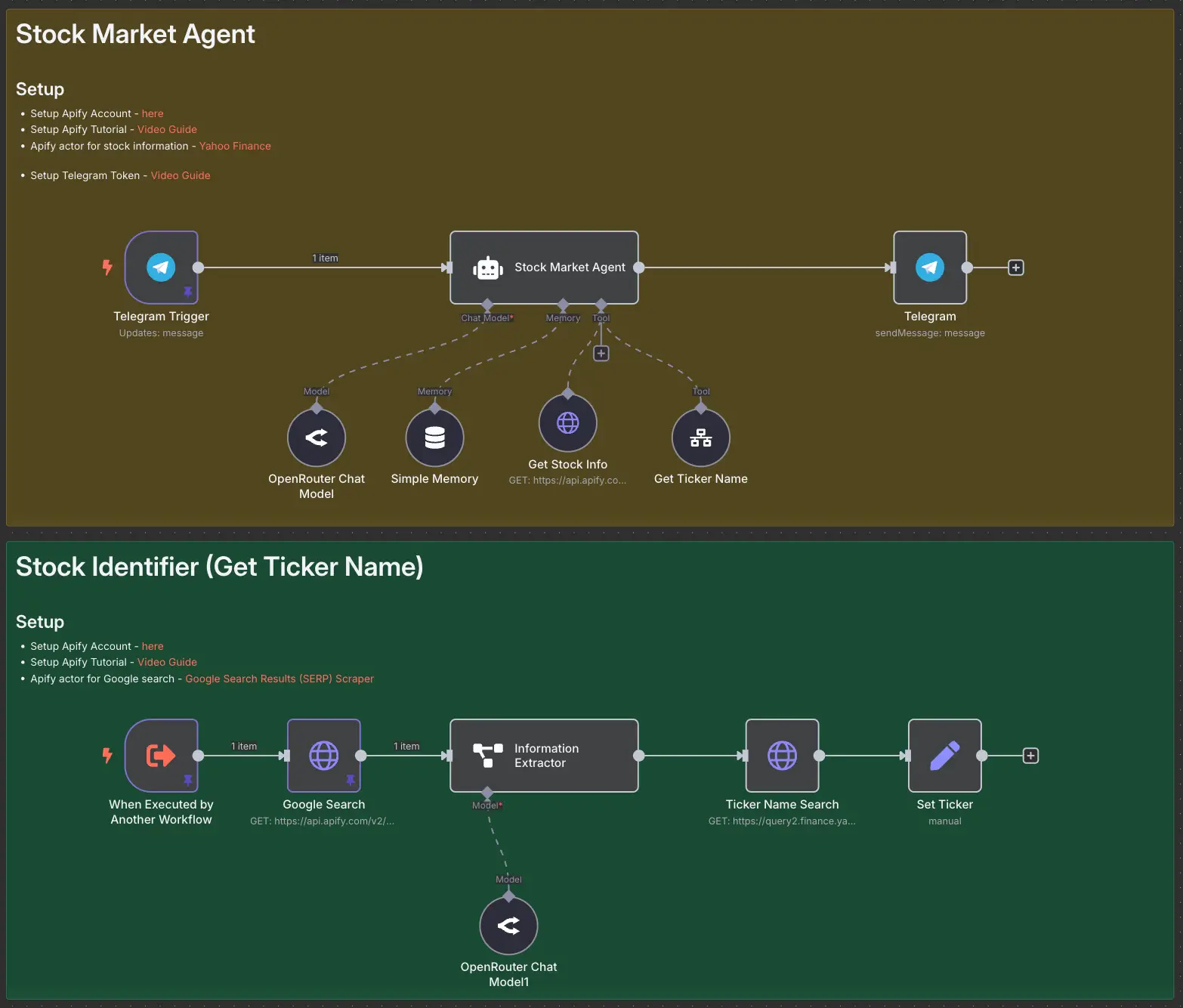
Stock Market AI Agent using n8n and Apify