Claude vs ChatGPT for Business Automation: Stack-First Pick

Table of Contents
- Introduction
- Why does picking Claude vs ChatGPT by hype fail for business automation?
- What should you map on your stack before choosing an AI model?
- How do Claude and ChatGPT compare for docs and knowledge workflows?
- Which model fits customer support and help desk automation better?
- When should you favor ChatGPT vs Claude for code and integration glue?
- How do CRM, inbox, and Slack integrations change the Claude vs ChatGPT choice?
- When should you use the chat UI vs the API for production workflows?
- What compliance and data questions matter for SMB AI automation?
- What does a Claude vs ChatGPT decision matrix look like by use case?
- What failure modes show up when teams stop at chat-only automation?
- How do you rank automations before buying more AI seats?
- Frequently Asked Questions (FAQs)
Introduction
If you are comparing Claude vs ChatGPT for business automation, you are probably asking the wrong question first. Most teams pick a chat app by habit, then wonder why nothing connects to the CRM, the support inbox, or production workflows.
Both Anthropic's Claude and OpenAI's ChatGPT are strong general models with APIs, long context, and tool calling. For most small businesses, either can be the reasoning engine behind automations. What actually decides the outcome is your stack (HubSpot, Zendesk, Slack, Stripe, Google Workspace) and whether you have a ranked build order for flows that touch revenue.
This guide gives you a stack-first decision matrix by use case: documents, support, code, integrations, and compliance. Neither model replaces n8n, Make, or native CRM workflows. They sit inside those systems. When you are ready to sequence work on your real tools, a short paid roadmap session at /roadmap-call ranks what to build before you add seats.
Why does picking Claude vs ChatGPT by hype fail for business automation?
The usual pattern looks familiar: leadership buys ChatGPT Team or Claude Pro, shares login details, and asks everyone to "find efficiencies." A month later you have enthusiastic copy-paste and zero measurable pipeline impact.
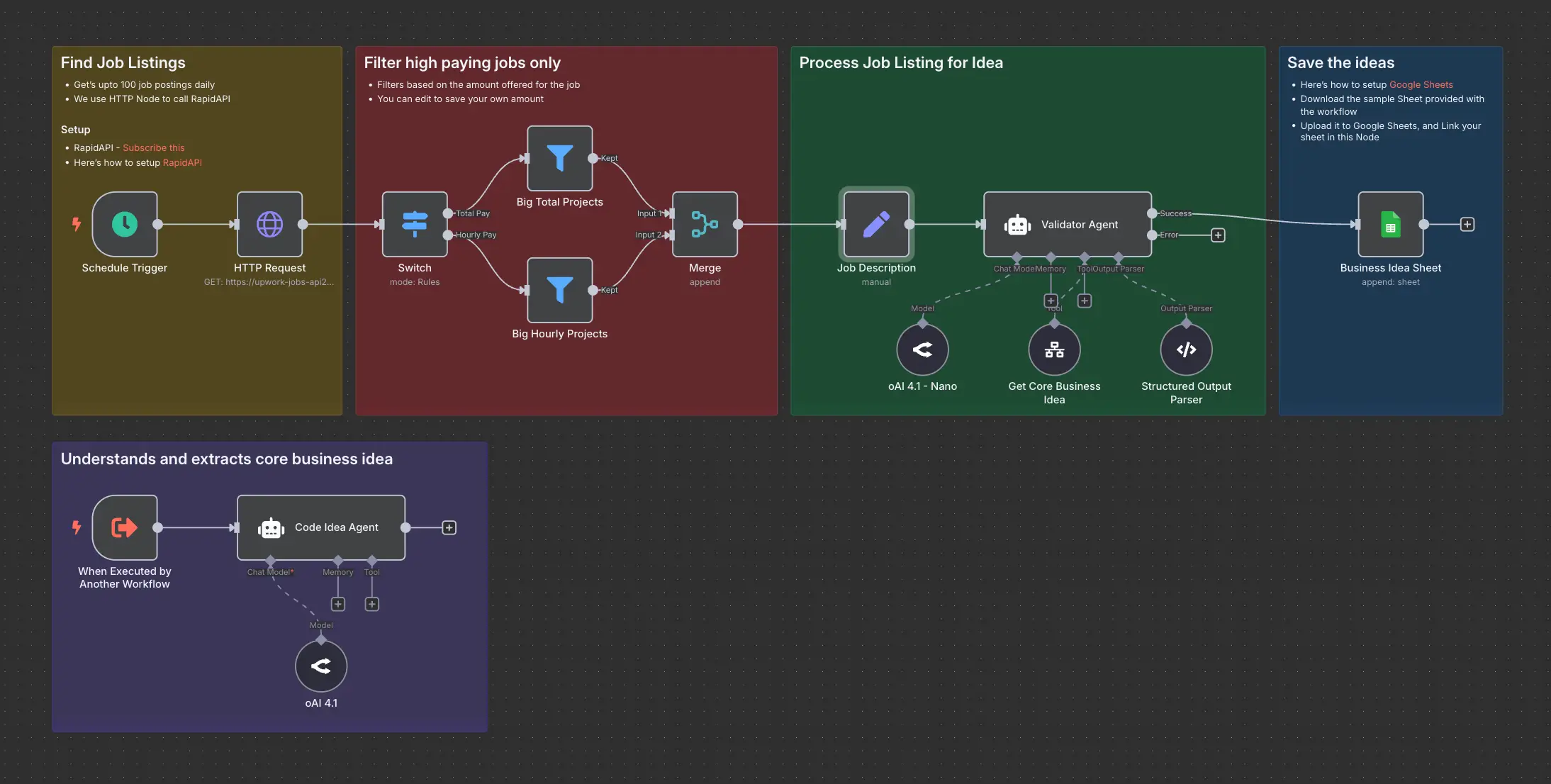
Hype-driven selection ignores three facts. First, business automation means triggers, deterministic rules, idempotent writes, and an owner when something breaks - not a better autocomplete in a browser tab. Second, vendor-native AI in your CRM or help desk may already call OpenAI under the hood, which makes ChatGPT the path of least resistance even when Claude would handle your longest documents better. Third, the best AI for workflow automation small business teams can deploy is usually a workflow engine plus a well-scoped model tier, not the flagship chat model on every request.
Treat Claude and ChatGPT as components, not platforms. Your platform is HubSpot plus Zendesk plus Slack plus whatever moves money. The model is one node in that graph.
What should you map on your stack before choosing an AI model?
Before you debate models, inventory the systems that already run operations:
- CRM (HubSpot, Salesforce, Pipedrive)
- Help desk (Zendesk, Intercom, HubSpot Service Hub)
- Comms (Slack, Microsoft Teams, shared inbox)
- Docs and email (Google Workspace, Microsoft 365)
- Billing (Stripe, Chargebee)
- Orchestration (n8n, Make, Zapier, or CRM-native workflows)
Then name two or three cross-system flows that matter. If you are unsure which flows deserve attention first, read AI automation ROI: focus on 2-3 revenue flows, not subscriptions. That framing keeps you from automating reporting vanity while leads sit in a spreadsheet.
Only after stack and flows are clear should you ask: for this webhook, which model tier and which prompt pattern? That is how Claude vs ChatGPT for business automation becomes answerable instead of ideological.
How do Claude and ChatGPT compare for docs and knowledge workflows?
Knowledge work covers meeting notes to tasks, long PDF summaries, internal "how do we…?" answers, and SOP drafts from existing material.
Claude tends to shine when inputs are long, messy, or policy-heavy. Teams often describe it as a cautious internal researcher - useful when you want conservative summarization before anything customer-facing.
ChatGPT is equally capable at summarization but often rewrites more aggressively. It is strong when knowledge must become code, SQL, or spreadsheet logic in the same pass.
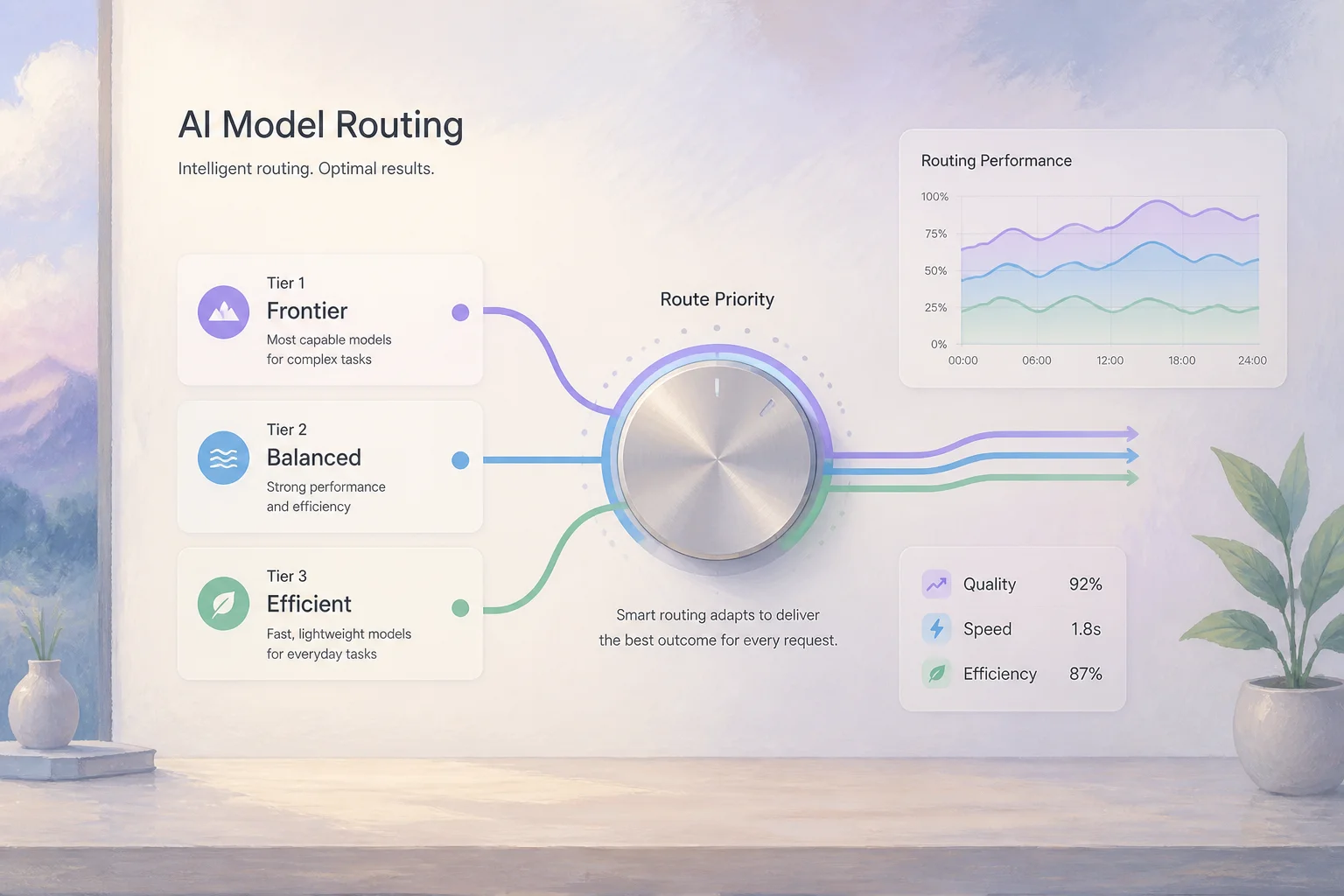
For automation, the chat UI is a design surface. Production flows should index sources (Drive, Notion, CRM notes), call the API from n8n or Make, and return structured fields your systems can write. Both vendors support JSON-style outputs and tool calling; pick the model tier that fits token volume (mini for high-volume triage, larger models for edge cases).
| Use case | Lean Claude | Lean ChatGPT |
|---|---|---|
| Very long policy or contract packs | Strong default | Works; watch rewrite tone |
| SOP from scattered docs | Strong default | Strong if code snippets needed |
| Internal Q&A over wiki | Either; test retrieval quality | Either; vendor may ship OpenAI first |
| High-volume summarization | Mini tier + tight prompts | Mini tier + tight prompts |
Which model fits customer support and help desk automation better?
Support automation wins are triage, tagging, suggested replies, and escalation summaries - not unsupervised auto-send on day one.
Claude fits ticket threads with long histories and sensitive accounts where tone must stay careful. ChatGPT fits when agents need plain-language explanations of logs, config, or billing edge cases alongside the ticket text.
Architecturally, the help desk remains the system of record. Slack or Teams may be where agents collaborate, but the model should sit in middleware: webhook in, structured classification out, human approves send. Native "AI reply" buttons in Zendesk or Intercom are fast to turn on; custom flows give you swap-friendly model choice later.
If support volume is rising faster than headcount, pair model choice with routing design before you hire. The goal is deflection and faster handle time, not a second inbox nobody trusts.
When should you favor ChatGPT vs Claude for code and integration glue?
Even non-software companies hit code quickly: n8n expressions, webhook payloads, data transforms, SQL for ops reports, and debugging why HubSpot rejected a field.
Historically, ChatGPT (GPT-4-class and successors) has been the default for generation, refactor, and explaining stack traces. The broader tool-calling ecosystem in low-code platforms often documents OpenAI first.
Claude is competitive for integration design, test cases, and careful refactors, especially when you feed entire workflow JSON or long API docs in one context window.
For business automation, the model does not replace your orchestrator. It helps you build and maintain it. If your team will DIY n8n or Make, bias toward whichever model your builders already use daily. If you will hire help, see should you DIY n8n or hire a workflow automation consultant before you outsource the glue layer entirely.
How do CRM, inbox, and Slack integrations change the Claude vs ChatGPT choice?
CRM: HubSpot and Salesforce expose workflows, webhooks, and increasingly native AI features. Many native features are OpenAI-backed, which can make ChatGPT the fastest "turn it on" path. Custom n8n flows can call either API with the same HubSpot nodes.
Help desk: Ticket webhooks plus agent-review drafts are the durable pattern. Do not let the model create duplicate contacts on retry.
Slack and email: Both models work as summarizers and classifiers on threads. Decide whether you use vendor AI (Slack AI, workspace assistants) or your own orchestration so you can change models without retraining staff on a new UI.
Stripe and billing: Automations here need strict idempotency. Use AI to interpret events; let workflow logic own writes to CRM and finance tools.
The integration lesson: check which vendor ships which AI partner on your must-have systems, then decide if convenience outweighs a unified Claude strategy.
When should you use the chat UI vs the API for production workflows?
Chat UI is for exploration: draft prompts, stress-test tone, debug a weird ticket once. Give key staff access; it accelerates learning.
API inside a workflow engine is for production: new form submission, payment failed, deal stage changed. You need triggers, retries, structured output, logging, and named owners.
Common failure: everyone manually copies CRM rows into ChatGPT, pastes answers back. That is labor with extra steps, not workflow automation. Capture the prompt once, embed it in n8n or Make, and measure outcomes.
As maturity grows, chat becomes the lab; API runs become the product.
What compliance and data questions matter for SMB AI automation?
You do not need enterprise legal theater to ask useful questions:
- Which data may leave your region or tenant?
- Are customer emails used for model training (check vendor enterprise terms)?
- Who can view logged prompts that contain PII?
- Do you need human review before customer-facing sends?
Anthropic markets Claude with a safety-forward posture; OpenAI offers enterprise controls and residency options on higher tiers. For many SMBs, the bigger compliance win is minimizing what you send (redact attachments, summarize locally, pass only necessary fields) and documenting owners per flow.
If governance and cross-system design are not in-house strengths, what does an AI integration consultant do for small business explains how that role differs from buying another SaaS seat.
What does a Claude vs ChatGPT decision matrix look like by use case?
Use this table as a starting point, then validate with one real workflow on your stack.
| Use case | Favor Claude | Favor ChatGPT | Often does not matter |
|---|---|---|---|
| Long internal docs / policies | Careful summarization, long context | Code or formulas from docs | Retrieval setup matters more |
| Support triage and drafts | Long threads, cautious tone | Native help-desk AI features | Human review step |
| Code, SQL, n8n expressions | Possible | Historically strong ecosystem | Builder preference |
| Vendor-native CRM AI | - | Many apps ship OpenAI first | You can still API either |
| High-volume cheap runs | Mini / Haiku tier | Mini / small GPT tier | Prompt length discipline |
| Compliance-sensitive drafts | Conservative tone | Enterprise controls | Data minimization |
Neither column wins everything. You might standardize on one vendor for year one with model-swappable prompts (versioned JSON schemas, no brittle regex on free text).
What failure modes show up when teams stop at chat-only automation?
Chat-only "automation." Everyone has access; nobody owns a flow. Impact is unmeasurable.
No idempotency. Webhooks retry; the model path creates duplicate deals or tasks. Trust collapses.
No ownership. One builder's experiment touches production customers; they leave; the flow silently stops.
Model debates instead of flow design. Weeks comparing Claude vs ChatGPT; zero shipped integrations.
Fixes are boring and effective: pick two flows, implement API paths with structured outputs, add idempotency keys, assign an owner, log failures to Slack.
How do you rank automations before buying more AI seats?
Stack, flows, model - in that order. Then:
- List must-have integrations and native AI features already included in your CRM or desk.
- Choose two or three revenue-adjacent workflows (lead routing, support SLA, invoice follow-up).
- Mark where AI is truly needed (parse messy text, classify, draft).
- Implement in n8n, Make, or CRM workflows with mini models for volume.
- Measure before you scale seats or upgrade to flagship models.
You are not choosing a forever AI. You are building an automation layer that can survive vendor changes.
If tool shopping has stalled your team, book a 45-minute roadmap session at /roadmap-call. You leave with systems mapped, two or three ranked automations, and a clear view of where Claude or ChatGPT actually earns API spend - before another chat subscription.
Frequently asked questions
Quick answers on the topics covered in this article.
Neither wins outright. For most small businesses, either API works inside n8n, Make, or CRM workflows. Choose based on your stack's native integrations, whether flows are doc-heavy or code-heavy, and which model tier fits your token budget.
The best setup is usually a workflow engine (n8n, Make, Zapier, or CRM-native automation) plus a scoped model tier, not a flagship chat subscription alone. Rank two or three revenue-critical flows first, then pick Claude or ChatGPT per flow.
Sometimes less than you think. Many vendors ship OpenAI-powered features first, which favors ChatGPT for quick wins. Custom middleware can call either API; integration design and idempotency matter more than the logo on the chat app.
Lean ChatGPT when you rely on vendor-native OpenAI features, heavy code generation for integrations, or your team's daily habit is already ChatGPT. Lean Claude for very long document workflows and cautious customer-facing drafts.
Lean Claude for long-context summarization, policy-heavy knowledge work, and teams that want a more conservative tone in automated drafts. API parity for tool calling and structured JSON is strong on both sides.
You can speed up individual tasks, but that is not durable automation. Production flows need triggers, structured outputs, idempotent writes, and owners. Use chat to design prompts; use APIs in a workflow tool to run them.
Use webhooks and API nodes in n8n, Make, or Zapier, or your CRM's workflow builder. Send only the fields the model needs; return JSON your systems can map to deals, tickets, or tasks. Keep humans in the loop for customer sends until quality is proven.
Both offer smaller, cheaper model tiers for bulk work. Total cost depends on tokens per run, how much context you attach, and whether you route hard cases to larger models. Optimize prompts and context before switching vendors.
If workflows cross systems (CRM plus Slack plus billing), yes - you need an orchestrator. ChatGPT Team helps people; n8n or similar moves data on events. Many teams use both.
Map your stack, pick two or three revenue-linked flows, and score impact versus effort. A paid roadmap session at /roadmap-call ranks that backlog on your actual tools so you buy seats and builder time for flows that matter.
Share this article
Related workflows
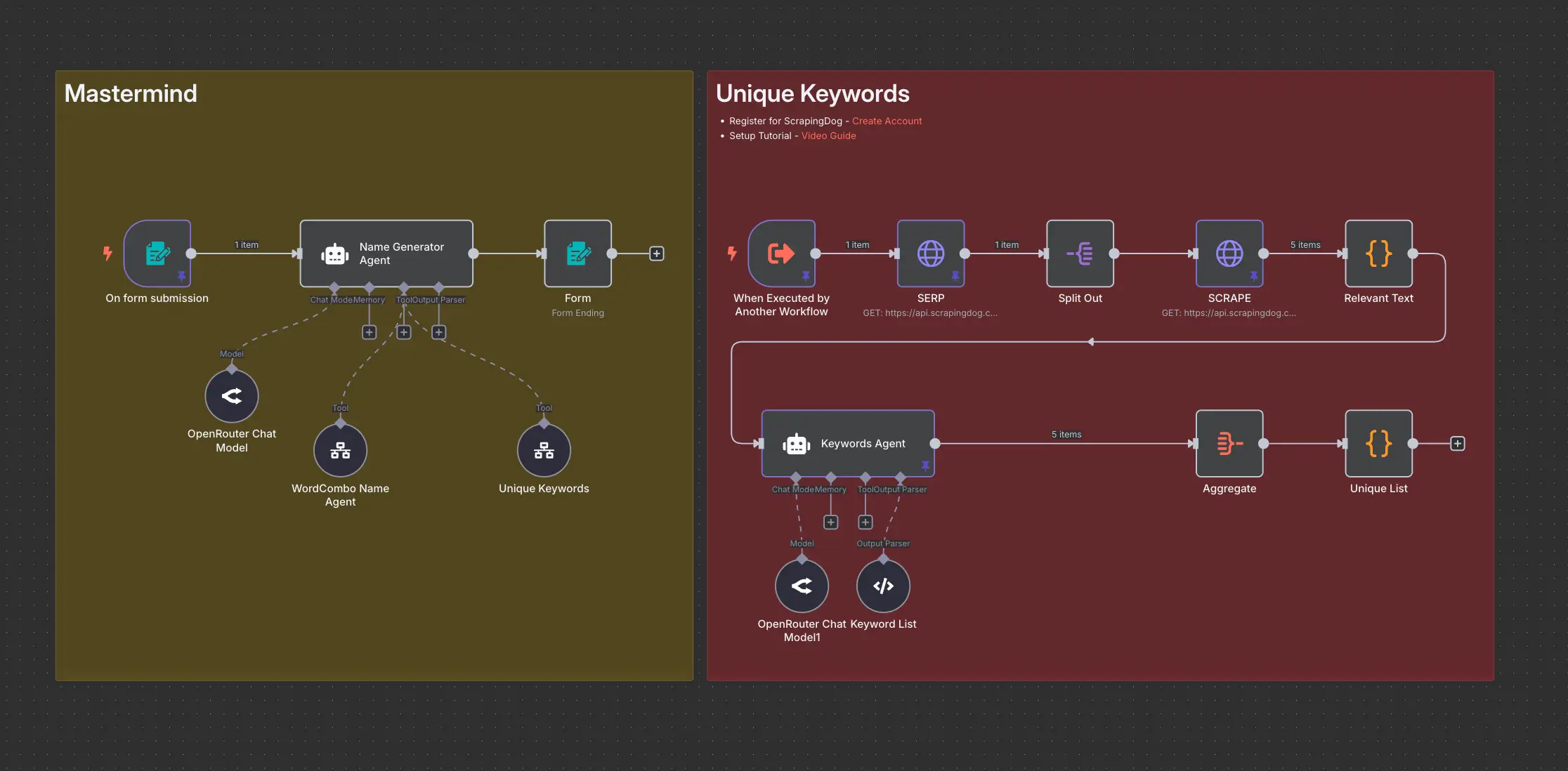
Domain Name Generator n8n workflow using ScrapingDog
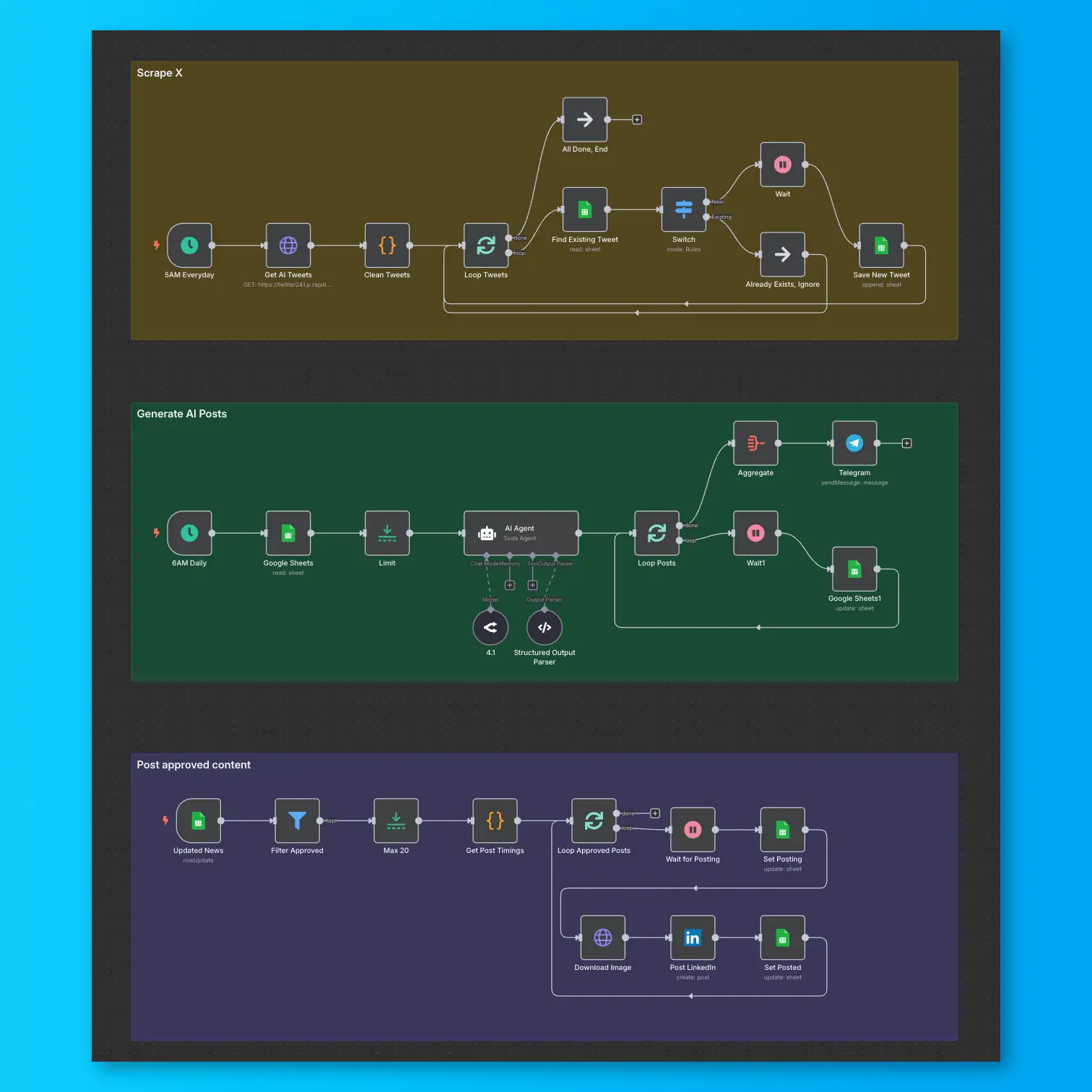
LinkedIn Automation From X Posts